- Home-
- The Witcher 3-
- Miscellaneous for The Witcher 3-
- Freecam Mod (Script Edition) for NextGen
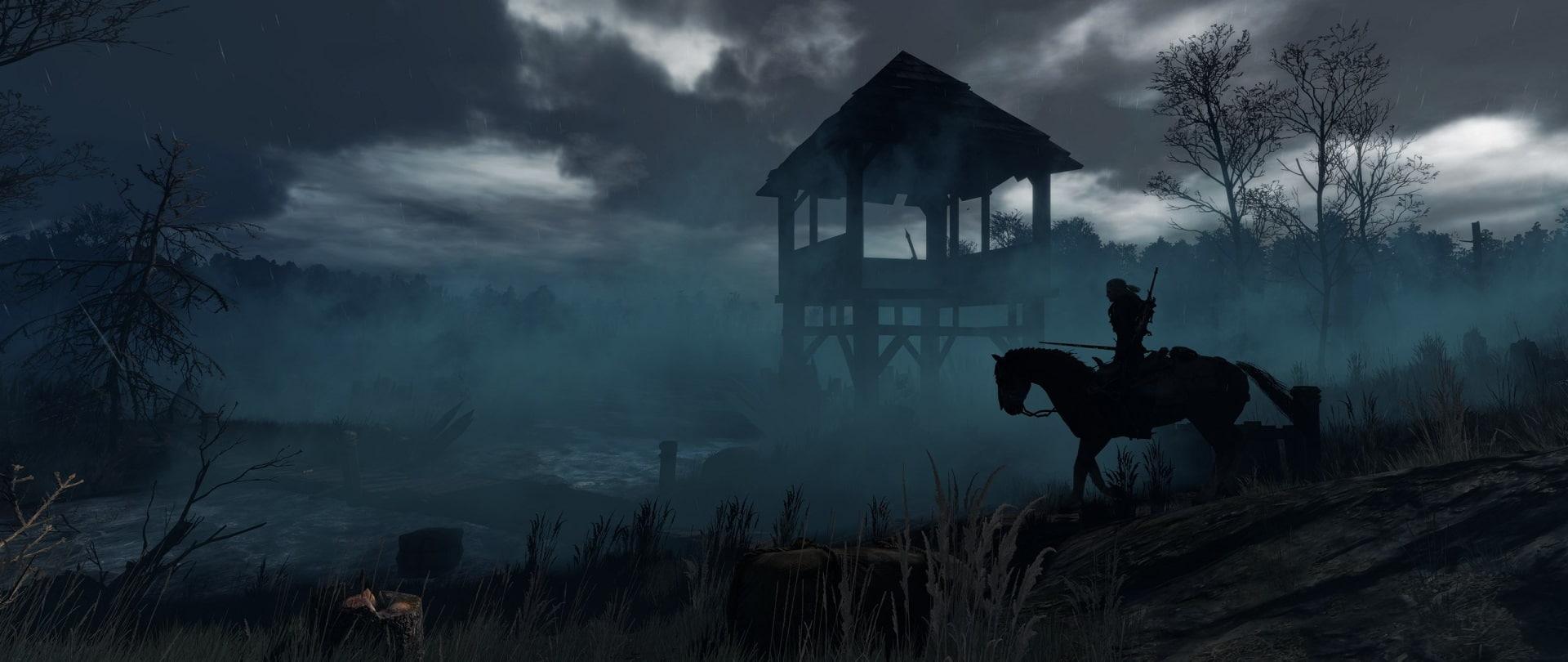
Freecam Mod (Script Edition) for NextGen

About This Mod
v1.3.2
- fixed for 4.04+
v1.3.1
- fixed for 4.01+
v1.3
- camera speed set again
- added slow mode (double-pressing "Pause" in freecam mode slows down freecam movement)
- it is possible to move during "pause" in freecam mode
(the game is now slowed down to 1/625 of the normal speed, that is, it takes about 10.5 minutes to complete 1 second)
v1.2.1
- added a hotkey to enter photo mode from freecam mode without deactivating freecam mode
v1.2
- possibility to pause cutscenes (change input.settings)
- camera speed set
- now it is possible to pause in freecam mode
- added a shortcut for moving up/down
v1.1
- added support for freecam in cutscenes
- removed the camera angle restriction (now you can look straight up/down and more)
- flicker removed
v1.0
- initial release
Description:
Instead of embedding code through a dll, I used a new feature that was not present in previous versions of w3,
because of this, it is a little more limited.
Freecam Controlls:
Activation key: "F2" or left thumb pad pressed for 1 second (repeat same action to deactivate)
Acceleration: "LShift" / default sprint key
Easing: Spacebar / default jump button
Move up: hold down the Sprint first, then the Jump.
Move down: hold down Jump first, then Sprint.
Freeze time: Press "Escape" / "Pause" key on your controller while in freecam mode (if you're lucky, you can move, but your position is often frozen)
(Press "LShift" and "Escape" to enter the normal pause menu while in freecam mode)
Slow Camera: Double press "Escape" / Pause key on your controller while in freecam mode.
Other: - If you first enter freecam mode, you can press the photo mode hotkey and access it during cutscenes
- Press "LShift"/Sprint key and the Photomod key to enter the Photomod from freecam mode without disabling freecam mode.
Installation
1. Download and install this mod.
2. Use Script Merger.
3. Put this at the end of your input.settings file ("C:\Users\[your username]\Documents\The Witcher 3\input.settings"):
(inside the mod, you can find a file called "add to input.settings" that also contains these strings)
Similar Mods/Addons
RTXGI Settings UnlockerallMiscellaneous for The Witcher 3The Witcher 3
The 4.01 update added a new RTGI performance mode to the game, but unfortunately the code used to im... 2600
2600
THE WITCHER 3: SAVES 3allMiscellaneous for The Witcher 3The Witcher 3
The latest version of Game Save+ makes it easy to play add-ons or start new games....700
Immersive Close Walking Camera (Supports Gamepad Walk Switching)allMiscellaneous for The Witcher 3The Witcher 3
A next-generation version is available.While the next-gen version may always have a closer camera, t...300
Eliminating chandelier flickeringallMiscellaneous for The Witcher 3The Witcher 3
Just a quick fix that I made on request.If you find other lights with this problem, publish their lo...100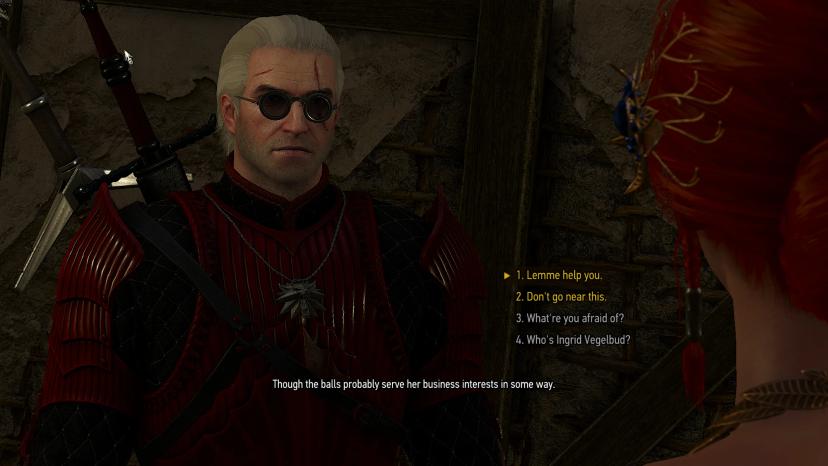
A question of life and death begins a dialogueallMiscellaneous for The Witcher 3The Witcher 3
This mod corrects a conversation with Triss at the beginning of the game Question of Life and Death....000
THE WITCHER 3: SAVES 2allMiscellaneous for The Witcher 3The Witcher 3
The Witcher 3: Save 2 Last save game + the ability to easily play add-ons or start a...100
Collection of LOD bug fixesallMiscellaneous for The Witcher 3The Witcher 3
This fixes an unpleasant visual bug in the game.If you know about the existence of such places, writ...000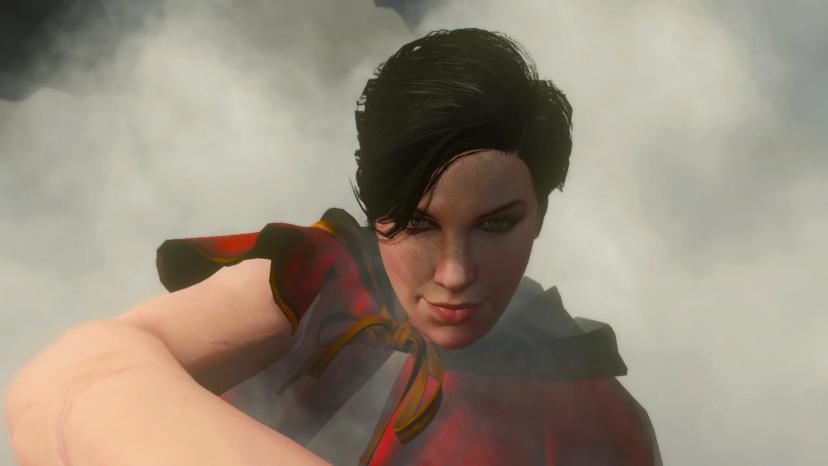
Romantic rescue sceneallMiscellaneous for The Witcher 3The Witcher 3
I made some saves while playing in The Witcher 3. Place them in the 'The Witcher 3/gamesaves' folder...200
Cleaning up and redesigning UI sound effectsallMiscellaneous for The Witcher 3The Witcher 3
This mod is an attempt to remake the most annoying sound effects of the TW3 user interface. The mod...000
Mods for RGT camerasallMiscellaneous for The Witcher 3The Witcher 3
A collection of mods for cameras.100
Prologue "White Garden" Save file completedallMiscellaneous for The Witcher 3The Witcher 3
I wanted to upload a save file that didn't do anything so that without the complete completion of th...400
THE WITCHER 3: SAVESallMiscellaneous for The Witcher 3The Witcher 3
The Witcher 3: Save. Latest game saves+ to easily play add-ons or start a new game....600
Gamepad layout similar to Dark Souls 2allMiscellaneous for The Witcher 3The Witcher 3
Hi, this is a modification of the vanilla layout.Now you can apply heavy and light punches and move...000
Next generation dynamic combat cameraallMiscellaneous for The Witcher 3The Witcher 3
Automatically toggles between a default and close camera in the middle of a battle, depending on the...000
Improved controller button layout (Witcher 3 X Dark Souls) (IGNITE FIX)allMiscellaneous for The Witcher 3The Witcher 3
This small configuration file changes the layout of the controller buttons in the game, mainly in co...400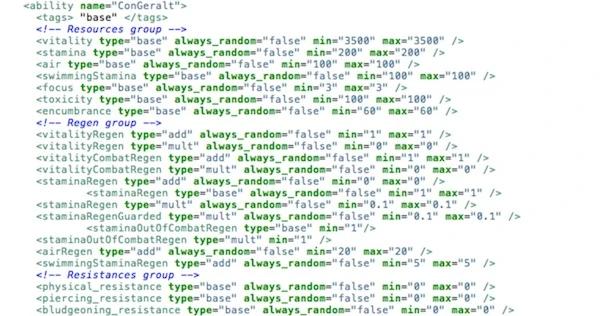
Modding tutorial including .bundle extraction toolallMiscellaneous for The Witcher 3The Witcher 3
This is a small guide for those who are interested in modding content for "The Witcher 3". After lea...200
Freecam and debug console for patch 1.32allMiscellaneous for The Witcher 3The Witcher 3
Debug Console for Patch 1.32Because the new patch has updated the witcher 3 .exe file, the old debug...1600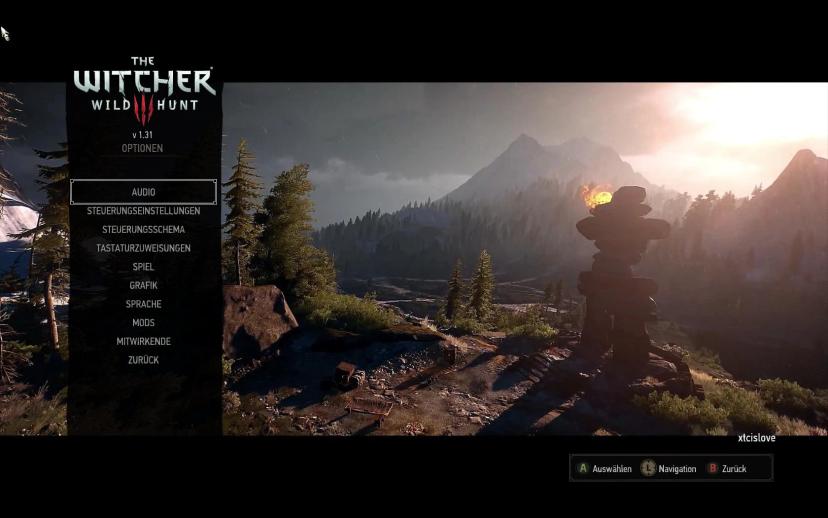
Several mods updated for 1.30-1.31GOTYallMiscellaneous for The Witcher 3The Witcher 3
All mods are now based on 1.31 GOTY Edition scripts, I did it for myself, but why not share?I think...000
Trademan - 1.31-1.32 Zero price correctionallMiscellaneous for The Witcher 3The Witcher 3
This simple fix solves the problem of buying or selling for zero currency in the exchanger. I just...200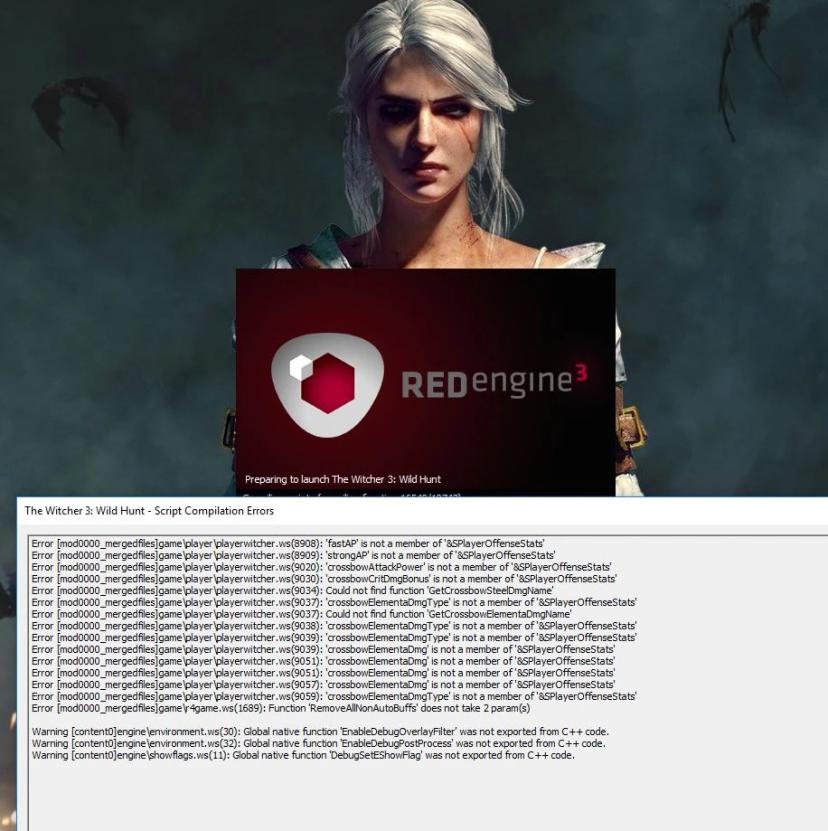
1 Click to fix script compilation errors 1.31 GOTY for mods 1.30allMiscellaneous for The Witcher 3The Witcher 3
1Click Solutionto change the scripts folder from 1.31GOTY to 1.30 to resolve compilation errors.Also...100