
- Home-
- Fallout 4-
- Settlement for Fallout 4-
- Place In Red - F4SE plugin and cheat table

Place In Red - F4SE plugin and cheat table




About This Mod
Place in red
PlaceInRed.dll - F4SE Plugin (source code)
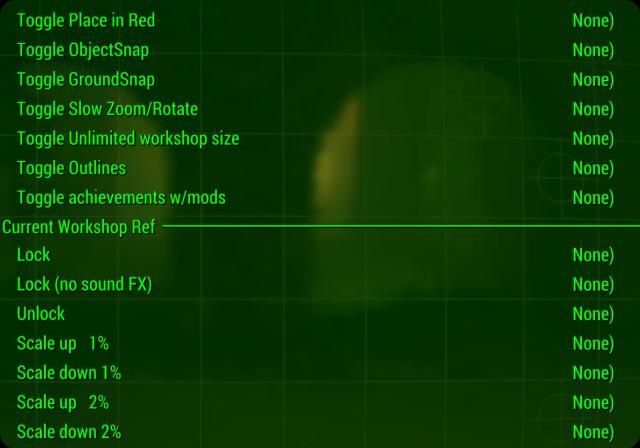
pir toggle / pir 1: Switch the location to red (enabled by default).
pir osnap / pir 2: Toggle object binding.
pir gsnap / pir 3: Toggle snap to ground.
pir slow / pir 4: Enable slow scaling/rotation of object (10 times slower, currently unchanged).
pir workshopsize / pir 5: Enable unlimited workshop size (leave 0).
pir outlines / pir 6: Include object outlines (on the following object).
pir achievements / pir 7: Include achievements with mods.
pir lock / pir l: Lock an object by setting its motion type to keyframed ("disable Havok").
pir unlock / pir u: Unlock the object by setting the motion type to dynamic ("release in Havok").
Zoom in (zoom in) on the currently captured/selected item in the workshop:
pir scaleup1: Increase by 1%.
pir scaleup2: zoom in by 2%.
pir scaleup5: zoom in by 5%.
pir scaleup10: Zoom in by 10%.
pir scaleup25: Zoom by 25%.
pir scaleup50: 50% larger.
pir scaleup100: Scale by 100%.
Zoom out (smaller than) of the currently captured/selected workshop item:
pir scaledown1: Zoom out by 1%.
pir scaledown2: Zoom out by 2%.
pir scaledown5: Zoom out by 5%.
pir scaledown10: 10% reduction in scale.
pir scaledown25: Reduces scale by 25%.
pir scaledown50: 50% reduction in scale.
pir scaledown75: 75% reduction in scale.
------------------------------------------------------------------------------------------------------------------------------
Cheat Table version (.ct file)
Default shortcuts:
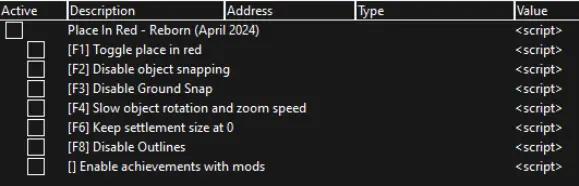

[F1]: Toggles the location in red, allowing you to build/place anywhere within the boundaries of the workshop.
Once built, you can move an object outside the workshop, but this is not recommended for many reasons.
Allows you to move yellow (scrap only) objects.
Changes red and yellow objects to green (or any other color of your HUD) to reduce confusion.
If the selected object is solid green, it means that you could put it there without this mod. If it's outlined in green, then without fashion it would be red.
Disables a 5-second timeout when leaving the workshop boundaries.
[F2]: Enable/disable snapping of objects - objects like concrete walls will no longer automatically snap to each other.
[F3]: Disable ground snapping - objects are no longer snapped to ground. Make sure F1 is on if you use this feature, otherwise the object will always be red.
[F4]: Slows object rotation and scaling speed (10 times slower) to ensure placement accuracy.
[F6]: Resets the settlement size to 0 and keeps it. Build or save at least 1 object to preserve the value. If you close the workshop mode without doing so, the settlement will return to its original value.
[F8]: Disable Paths - Disables ALL object coloring/highlighting. You must toggle the object displayed on your screen (if any) for this to take effect.
Additional features:
Enable Mod Achievements: Allows you to receive achievements if you have mods loaded, and unmarks the save file as mod on save. The idea and memory addresses are entirely owned by UnlimitedSurvivalMode.
ConsoleNameFix: Performs the same fix as Registrator2000's Console Name Fix mod.
How to use the cheat table version:
Download and install Cheat Engine 7.5 or higher.
Download the cheat-table version of fashion.
Unzip the downloaded file and open the .ct file in Cheat Engine.
Attach Cheat Engine to Fallout4.exe (CTRL+P and choose Fallout4.exe).
Minimize Cheat Engine or move it to another monitor.
Press one of the standard hotkeys to test (e.g. F1).
Similar Mods/Addons
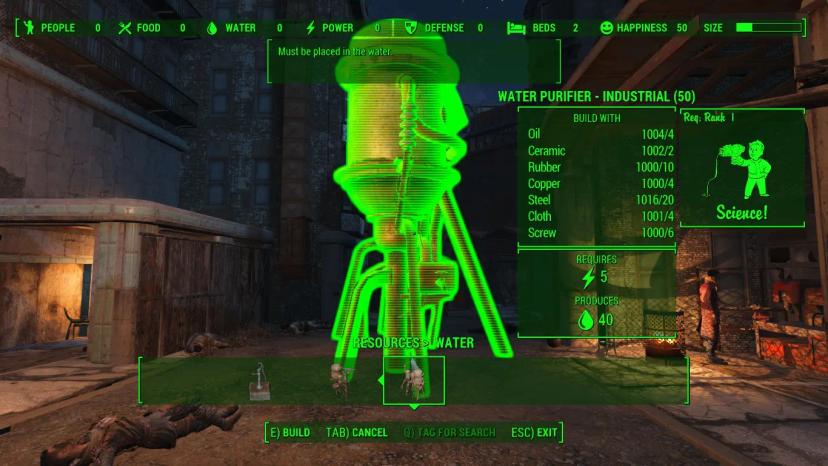
Water anywhereallSettlement for Fallout 4Fallout 4
Removes the restriction on placing only water on water purifiers and only dirt on water pumps.It may... 700
700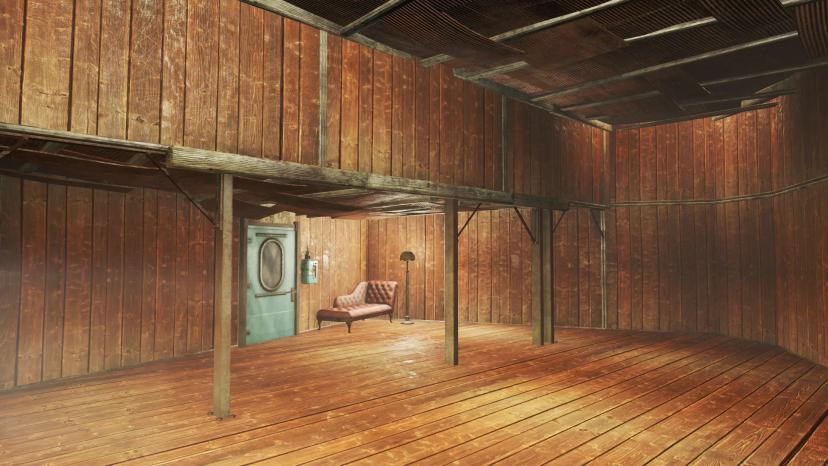
Fix the walls of the houseallSettlement for Fallout 4Fallout 4
Do you hate how disgusting the walls look in Home Plate? This series of batch files will allow you...800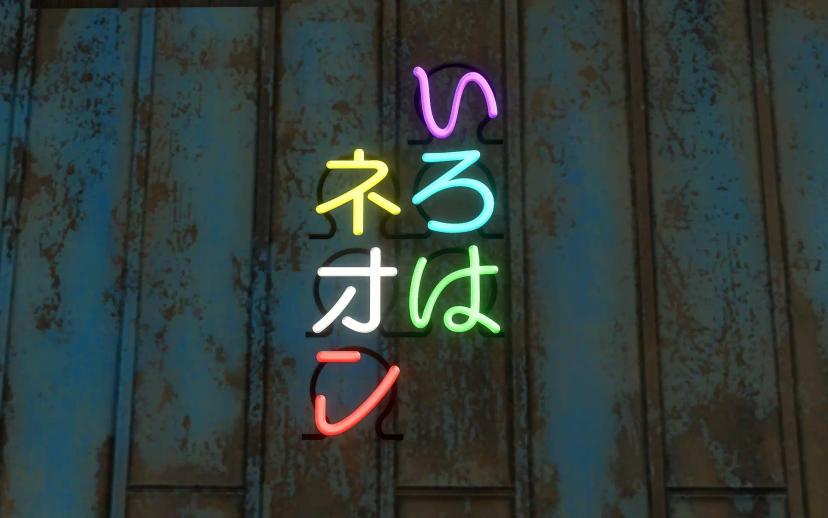
Iroha NeonallSettlement for Fallout 4Fallout 4
Add a Japanese neon sign to the workshop.This mode uses the script menu to add our own custom menu t...100
Aircraft carrier "Eden" as a settlement0Settlement for Fallout 4Fallout 4
The player's habitat is an aircraft carrier with a length of more than 300 meters, located east of L...1100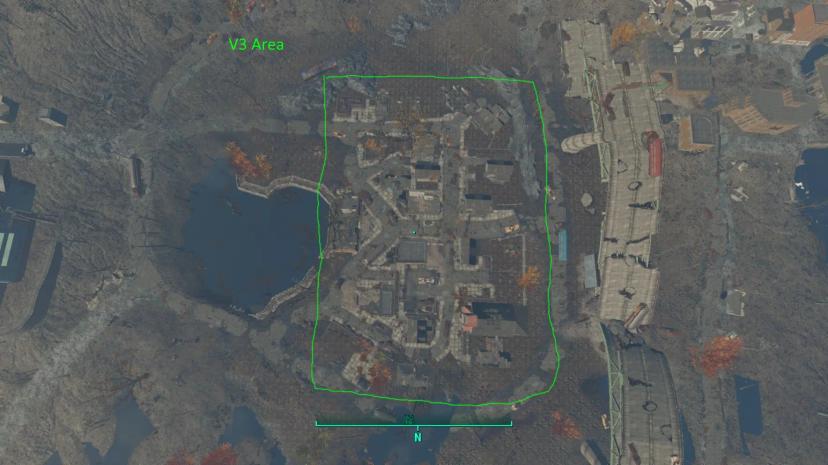
Jamaica Plains Expansion v3allSettlement for Fallout 4Fallout 4
I've made it big enough to make full use of the city, but not too big not to cause problems because...500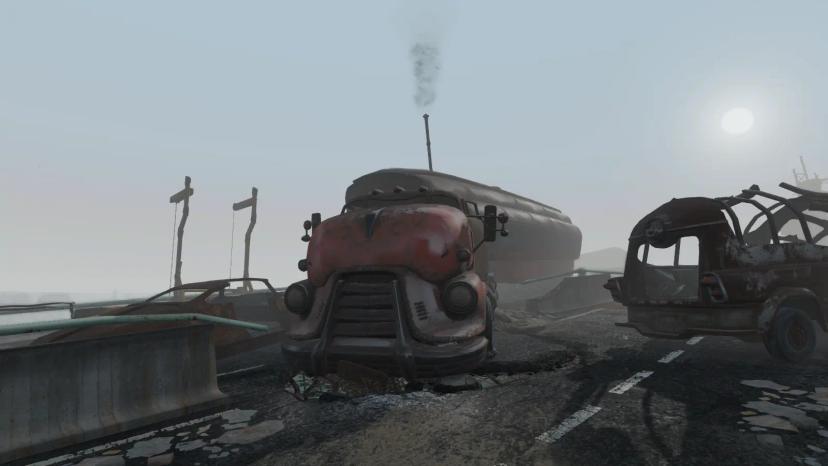
Trailer LifeallSettlement for Fallout 4Fallout 4
This mod will add many trailers across the Commonwealth that will serve as a home for the player. It...200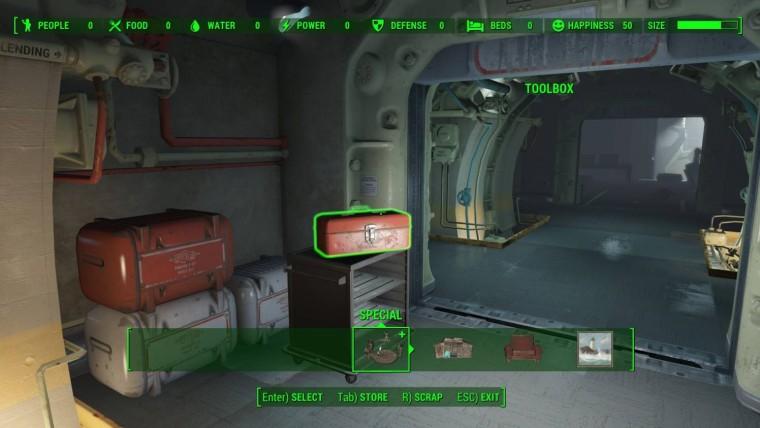
Vault 111 - completely under your control1Settlement for Fallout 4Fallout 4
Sanctuary 111 - completely under your control900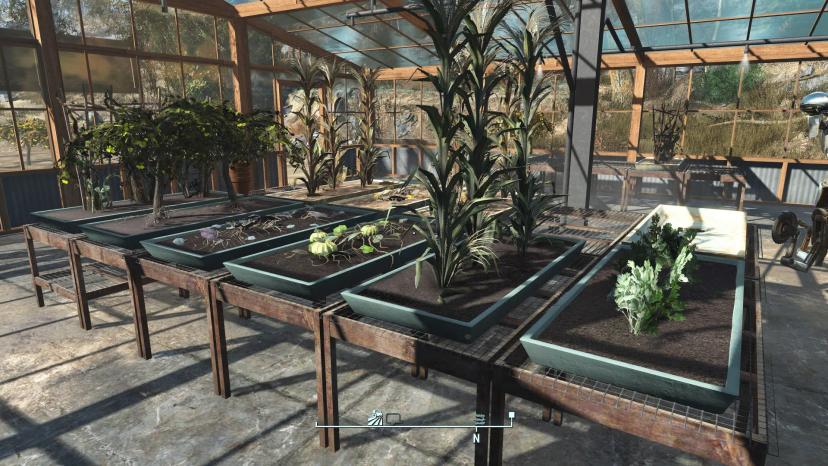
Greenhouses "Clean Settlement"allSettlement for Fallout 4Fallout 4
With the 0.3.0 update, vanilla planters and greenhouse tables have become movable/under construction...1200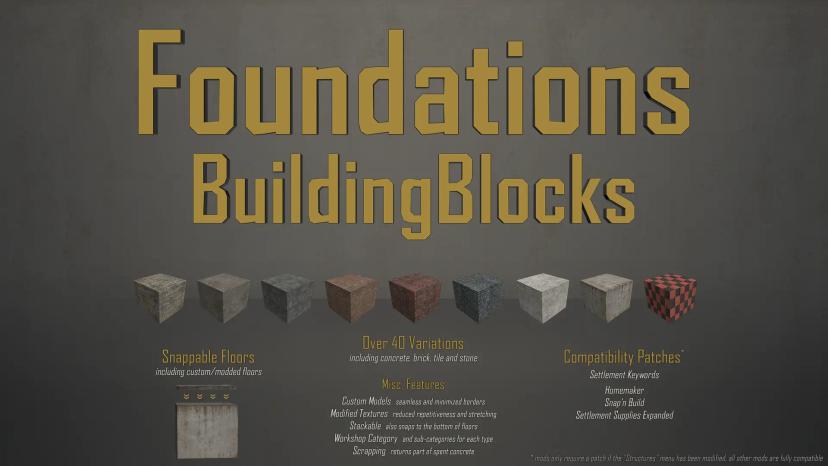
BuildingBlocks Foundations (click floors)allSettlement for Fallout 4Fallout 4
This mod was not introduced to me. Any assets from this fashion that you see have been uploaded with...300
Bad Neighbors Sim Settlements Expansion (Always Free)allSettlement for Fallout 4Fallout 4
An additional package that focuses on the sometimes negative aspects of life in society. This is an...000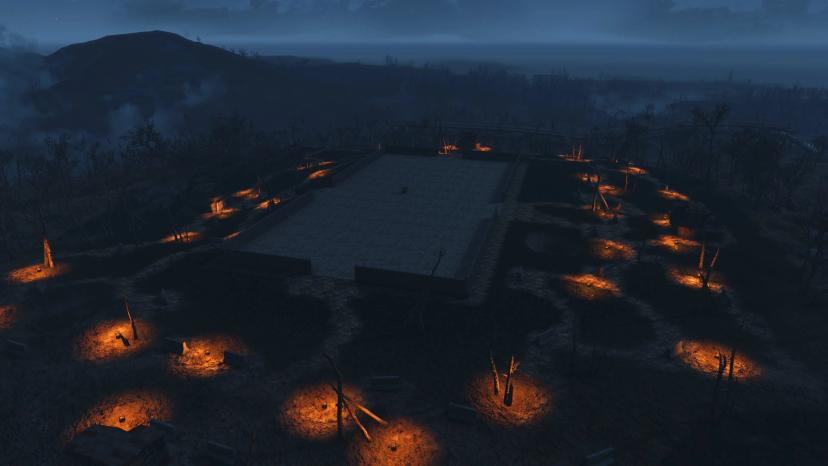
Mod for raiding in settlementsallSettlement for Fallout 4Fallout 4
The new version of Settlement Raiding Mod fashion is now based on one custom-built settlement (so fa...500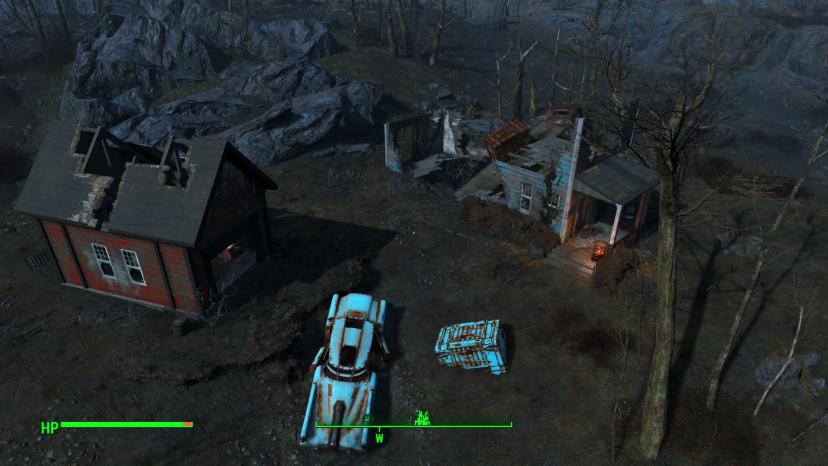
Remodeled Beach CottageallSettlement for Fallout 4Fallout 4
This is Lore Friendly Coastal Cottage Rehabilitation. You can use this mod before or after taking a...500
The workshop has been rebuiltallSettlement for Fallout 4Fallout 4
Workshop Rearranged is a refurbishment of the workshop system in Fallout 4. Although it is a fully...800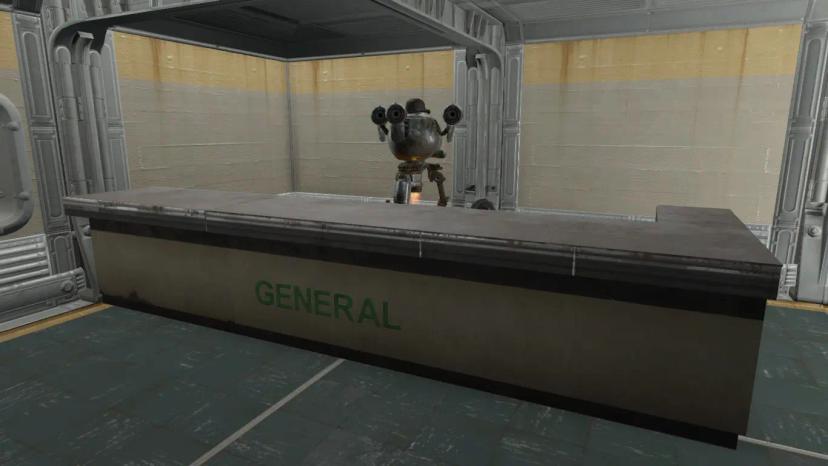
More snap-on counters for vendorsallSettlement for Fallout 4Fallout 4
This adds some counter elements that you can use to visually expand the store shelves.- You can find...300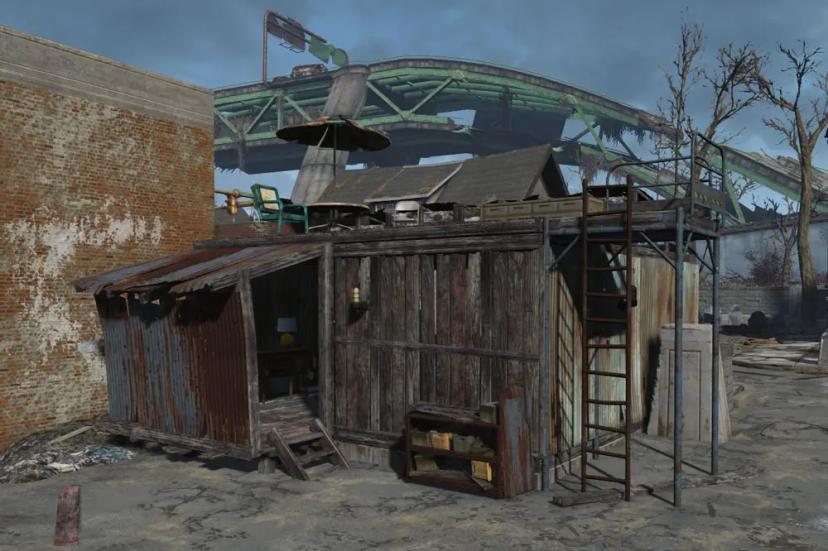
JaL - Just a StaircaseallSettlement for Fallout 4Fallout 4
It just adds a few modular and foldable ladders. October.Overview- Players and non-player characters...300
Improved settlement construction1Settlement for Fallout 4Fallout 4
Have you ever felt "something is missing" in your settlement? If you want to revitalize your hut or...900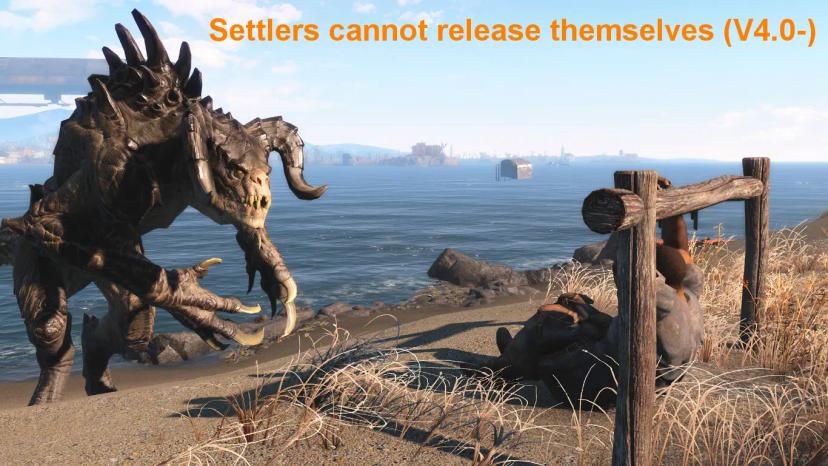
Shackles for prisoners modallSettlement for Fallout 4Fallout 4
Prisoner handcuffs made in workshops and more000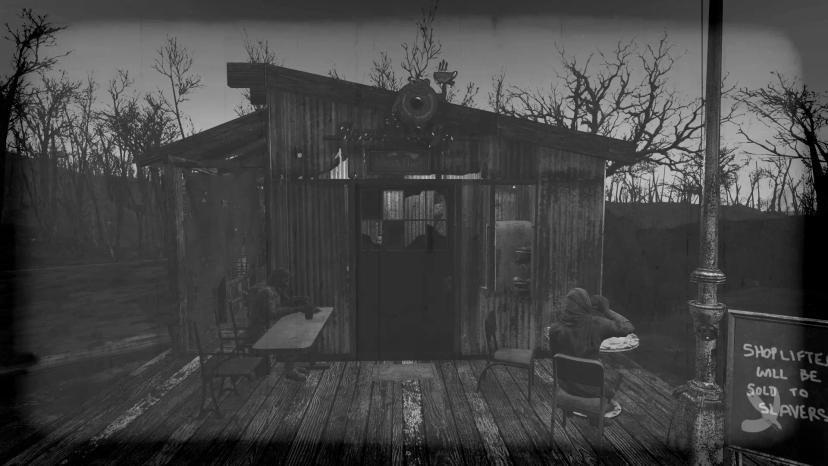
Altairp's Animal Farm - Sim Settlements Add-onallSettlement for Fallout 4Fallout 4
Additional package with new farmland (including animals) for Sim Settlements mode.SIM card payment r...300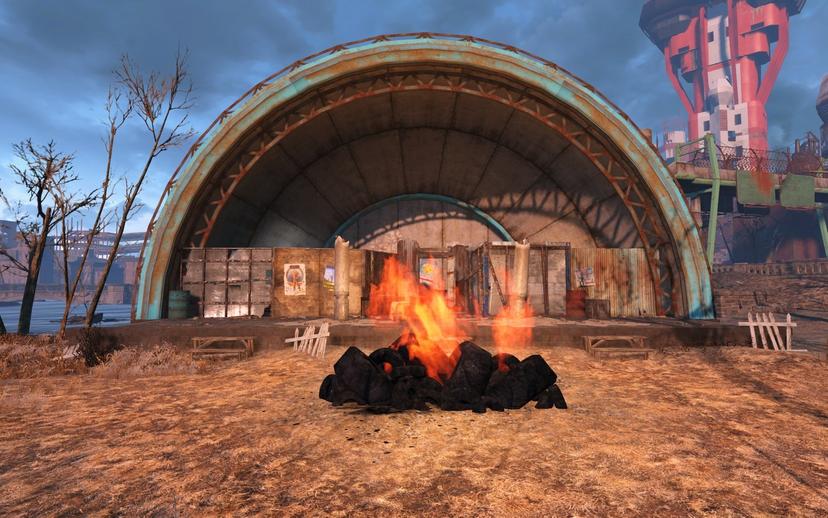
Settlement of the Charles View Theater with hired cultists1Settlement for Fallout 4Fallout 4
I was surprised that so far there were no settlements, as it seems obvious that this should be a set...200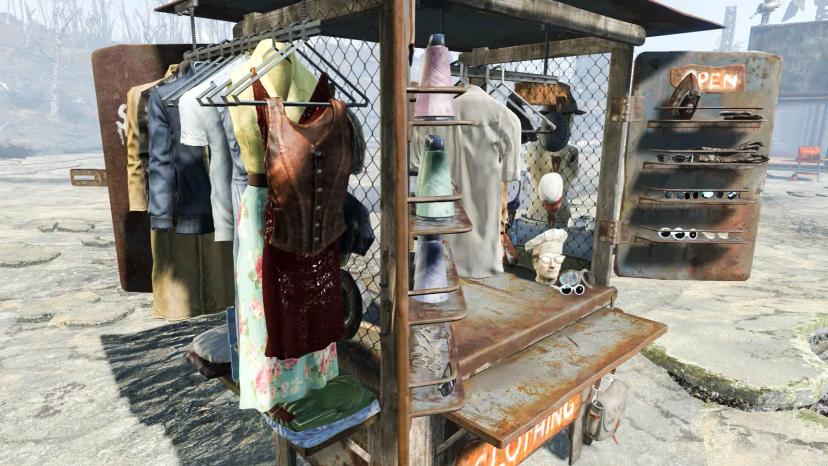
The best trade countersallSettlement for Fallout 4Fallout 4
Allows trading pavilions to be placed under the ceiling without circumcision.Adds a mess to all coun...700

