
- Home-
- Euro Truck Simulator 2-
- Cards for Euro Truck Simulator 2-
- HEXMAP Demo mod

HEXMAP Demo mod

About This Mod
A unique fictional world on a scale of 1:4, inspired by North Russia
Because of the paintings and detailed landscapes, the vegetation maps will be very strict on the iron. It is recommended to reduce the traffic value from 0.25 to G_TRAFFIC 0.75 in the G_TRAFFIC area.
New locations on the map are very detailed and on weak computers it is recommended to use the start command, which improves the stable operation of the card by increasing the game buffer.
This command has a positive effect only if the computer is available to use the advanced buffer settings (that is, both the operation and the Swing file memory). To use the settings, open the game link properties, open the object in the column according to the .exe address in the game file, create a spectacle, and paste the following settings:
Do not specify the value of the traffic through the console after 2. Values above 2 violate the Supvaena of Traffic algorithm, resulting in not only "dead" traffic congestion, but also 10 ambulances or DPS within. Try to delete (or almost delete) random events on the map - not errors, but it does not work conceptually on the map. Interesting repair of a quarter of the strips personally leads me only to pity from the rounds (bypass). The road network on the map is not very dense, and the bypass is very bad. If the iron is weak, do not place the environment in Ultra. Also, try to increase the value of FPS comfortably through the settings. This mode is very strict on the iron and promotes the maximum capacity of the engine. However, with a reasonable setup, it is very possible to achieve a comfortable game even when your computer is weak. SSAO is powered off or lower (if your PC allows). This environment will significantly defeat the FPS and create freezing in thick vegetation zones. Soft shadow calculation is calculated on the forest surface. The range of visualizations is up to 150-200%, everything else than this - the system is heavily loaded, and I recommend using such values to remove beautiful screenshots, but not for games. So I understand that this option seals the rendering of a pixel, for example in Fullhd, it seals at a scale of 400 pixels in 4K Denner (and therefore a soft image with minimal forest). If you’re already playing 4K, a 400% image was already counted at 16K resolution. If you don't have 4080/4090, don't play in this mode. After adding a temporary anti-arium, the need to overestimate the degree of rendering is further reduced. It is much better to set SSAA+TAA anti-aliasing and scale down to an acceptable FPS value. It is also worth using the Framework Limit option. The higher the density of the vegetation, the lower the density and quality of the vegetation, killing the bigger picture). But it depends on your computer. If you have a powerful FPS reduction and a deliberately weak computer, the only good way to manage your build's FPS is to manage your FPS.
Similar Mods/Addons
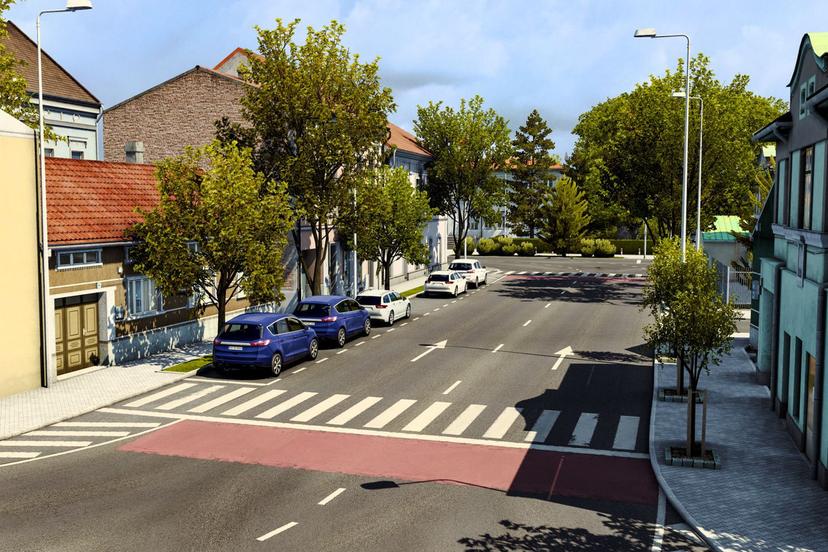
RO-Rebuild (Rebuild of the Black Sea)1.46Cards for Euro Truck Simulator 2Euro Truck Simulator 2
v3.0 Changelog: - Added 5 new towns and villages: Tulcea, Isaccea, Babadag, Michal K... 2401
2401
PROMODS 2.701.50Cards for Euro Truck Simulator 2Euro Truck Simulator 2
Map of the largest regions of the planet. Now you can not only visit even more real cities in Europe...19901
Promods 2.741.54Cards for Euro Truck Simulator 2Euro Truck Simulator 2
- Fixed critical bugs compared to 2.73a-Author: PMT92121
MAP EXPANSION OF UKRAINE V0.131.49Cards for Euro Truck Simulator 2Euro Truck Simulator 2
New city - Livni: entry to the city with a unique city sign, ring road, customs and other businesses...87201
BXP Georgia & Russia RC modallCards for Euro Truck Simulator 2Euro Truck Simulator 2
Transport links between the Southern Region and Promods in GeorgiaSukhumi, Zugdidi, Jvari and Haishi...100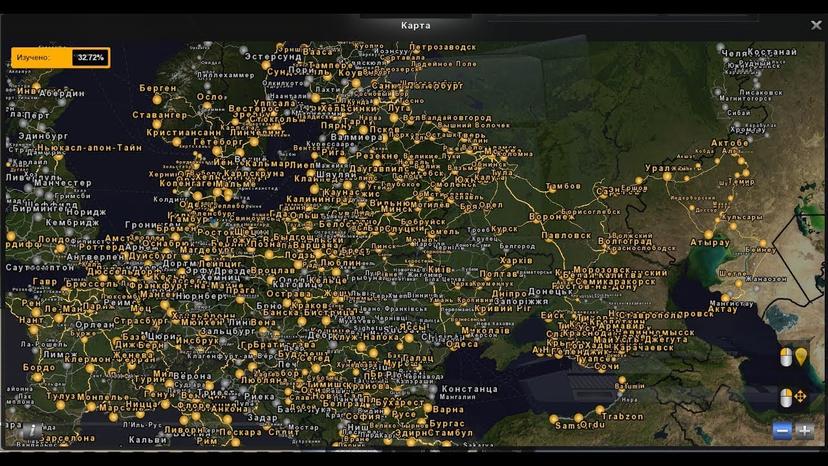
A large collection of ETS2 mod mapsallCards for Euro Truck Simulator 2Euro Truck Simulator 2
BXP PM Austria 156.0 BXP PM Hungary 156.0 BXP PM Yugoslavia Expansion 156.0 BXP SCS Tyrrhenia 156...10300
MG Interior Map 1.511.51Cards for Euro Truck Simulator 2Euro Truck Simulator 2
In it you will find yourself in the role of the king of the road, trucker, delivering important good...3700
BXP SCS Caucasus modallCards for Euro Truck Simulator 2Euro Truck Simulator 2
Supplement to the SCS map of the Caucasus region (unofficial version)Expansion of the territory of A...1000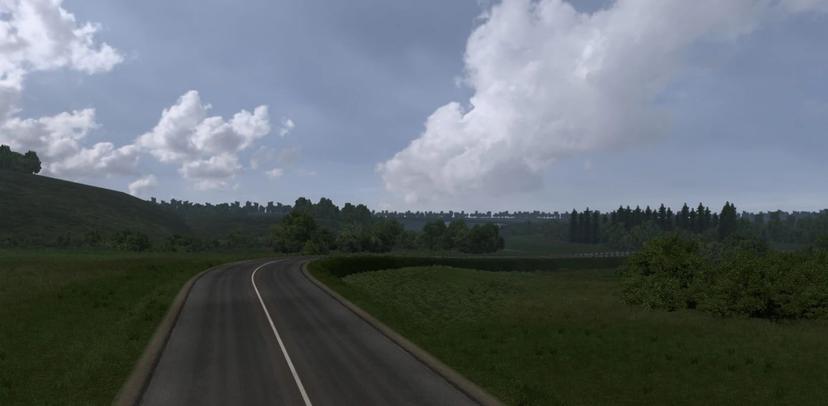
Alekseevskoe – Almetyevsk Addon modallCards for Euro Truck Simulator 2Euro Truck Simulator 2
Adding toll road Alekseevskoye - AlmetyevskPlacement over the map of Siberia1800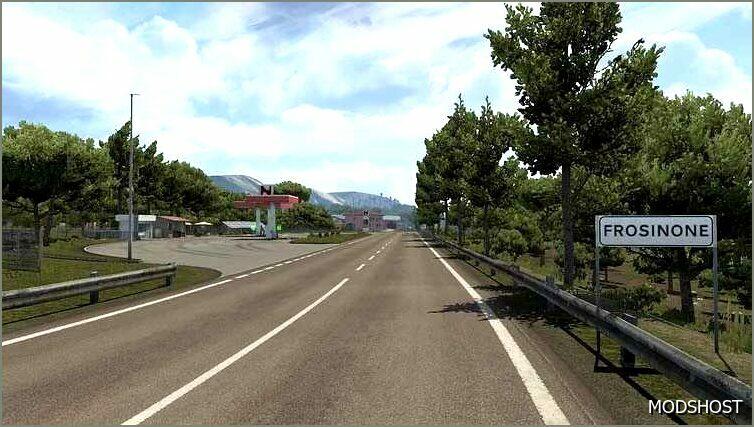
Italy Map Project + Promo Codes Addon V13 1.511.51Cards for Euro Truck Simulator 2Euro Truck Simulator 2
V13.0 ChangesA9 motorway restylingCreation of the city of Santa Teresa di Gallura (Sardinia)Completi...1700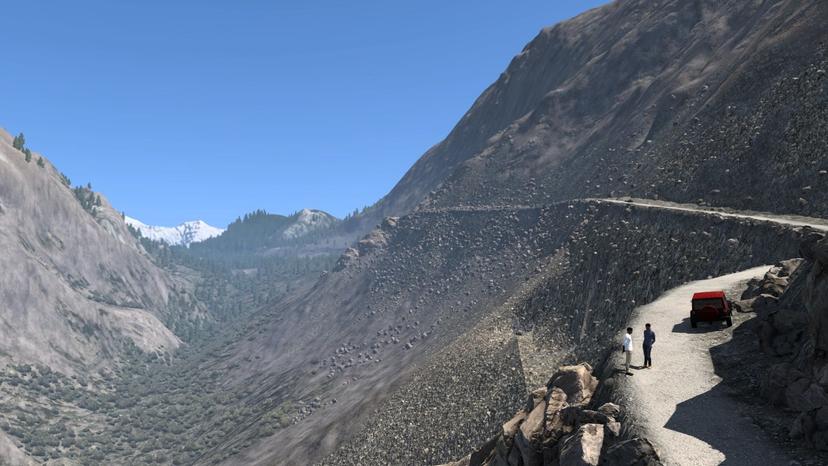
Beyond for ETS2 modallCards for Euro Truck Simulator 2Euro Truck Simulator 2
Excellent quality and full detail of different regions of the Asian and African peninsulasEnjoy a tr...1100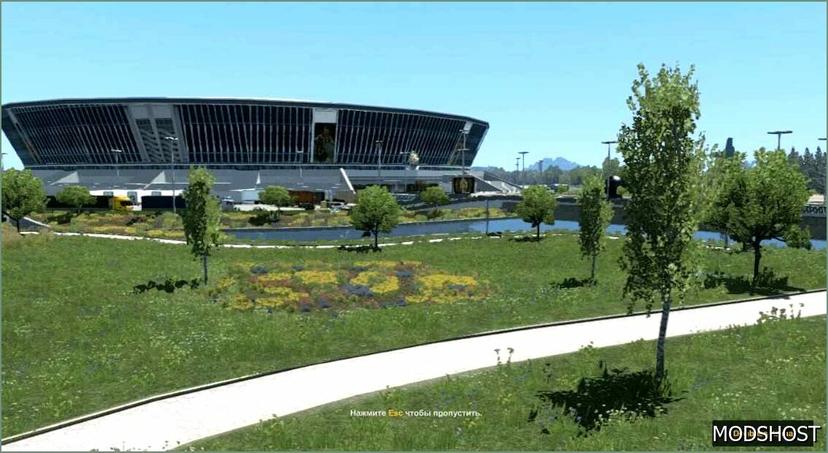
Donbass Map Donbass Map for version 1.521.52Cards for Euro Truck Simulator 2Euro Truck Simulator 2
Upgrading Version 1.52adaptation to game version 1.52Added cities Kharkiv, Kramatorsk, PokrovskImpro...5800
Danmark Refined modallCards for Euro Truck Simulator 2Euro Truck Simulator 2
The patch improves, enriches and modifies the existing cities in Scandinavia.The city of Varde was i...100
Ural v1.11.53Cards for Euro Truck Simulator 2Euro Truck Simulator 2
Added cities and enterprises of Sverdlovsk region, Perm Krai and Khanty-Mansi Autonomous Okrug Added...5000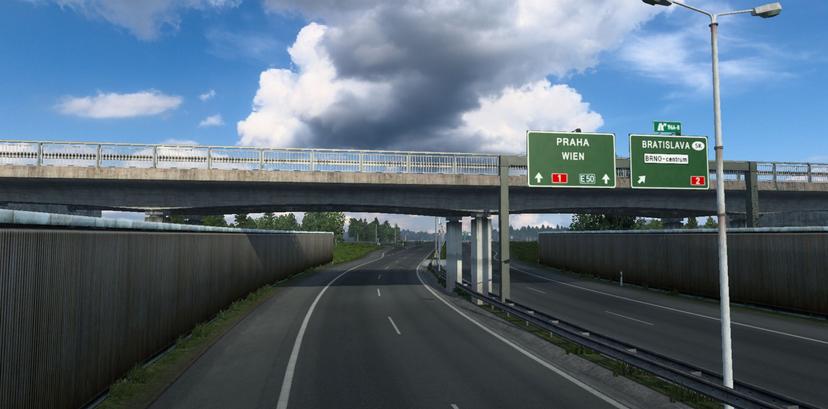
Projekt Cesko modallCards for Euro Truck Simulator 2Euro Truck Simulator 2
Approximately 20 new settlementsUpdated existing citiesNew highways and updated existing onesThe wes...000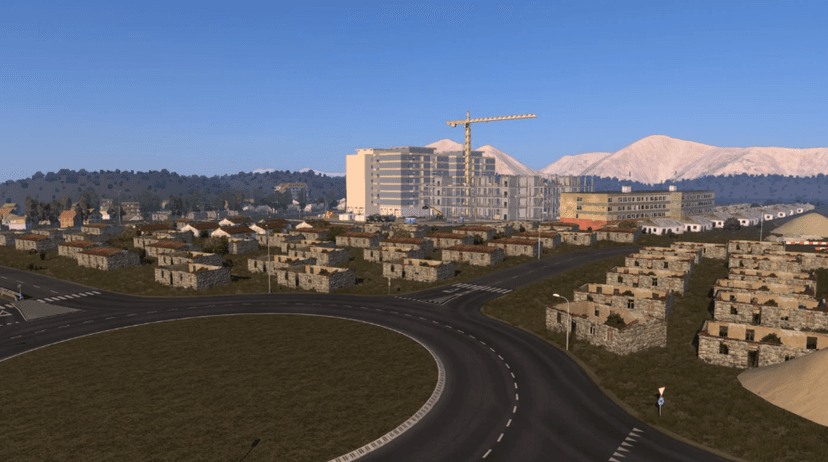
ASIA DREAM MAP V7.51.49Cards for Euro Truck Simulator 2Euro Truck Simulator 2
Armenia, Azerbaijan, Georgia.- Unique landscapes and environment- New cities and tourist attractions...4600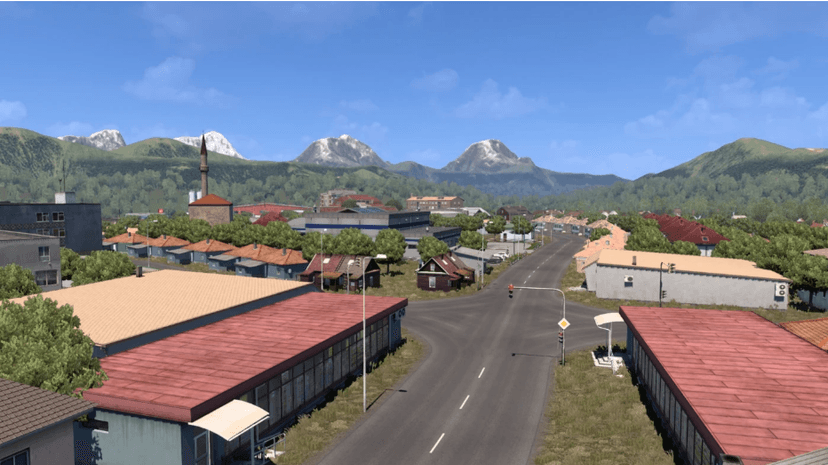
ASIA DREAM MAP V7.71.49Cards for Euro Truck Simulator 2Euro Truck Simulator 2
Armenia, Azerbaijan, Georgia.- Unique landscapes and environment- New cities and tourist attractions...2200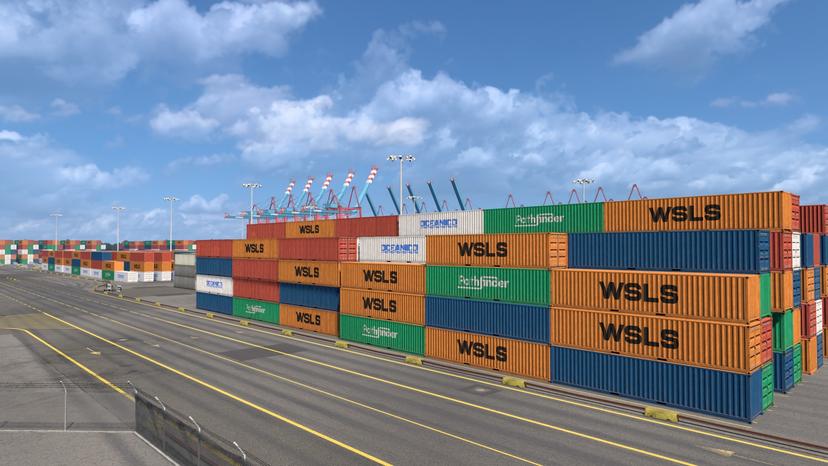
HAMBURG ADVANCED V1.01.50Cards for Euro Truck Simulator 2Euro Truck Simulator 2
Redesign and expand Hamburg, Germany.The addition of Waltershof as an independent city.A new port co...2000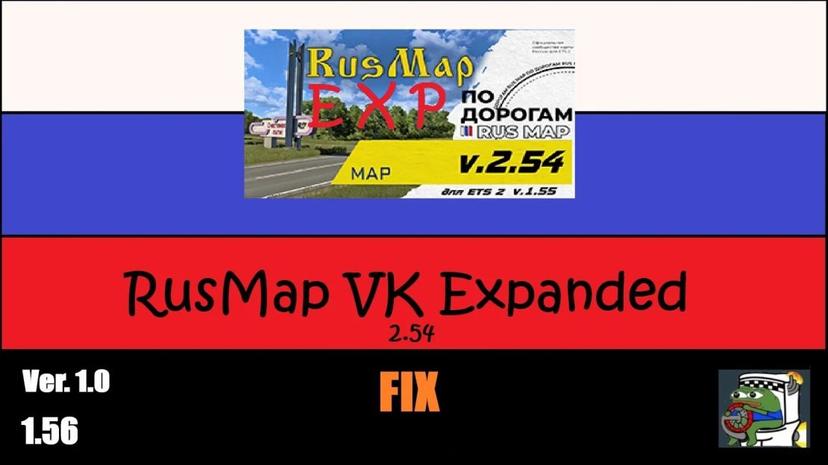
RusMap VK Exp FIX modallCards for Euro Truck Simulator 2Euro Truck Simulator 2
The modification completely leads VK RusMap to version ETS2 1.56 Installation: RusMap VK Exp FIX...1200
ROEXTENDED 4.2 TO RUSMAP 2.50 ROAD CONNECTION V2.01.50Cards for Euro Truck Simulator 2Euro Truck Simulator 2
Enhanced Rusmap maps and road connectionsFor version 1.50.xAUTHOR: Arayas.9300

