
- Home-
- Baldur's Gate 3-
- User interface for Baldur's Gate 3-
- Enlarged font

Enlarged font

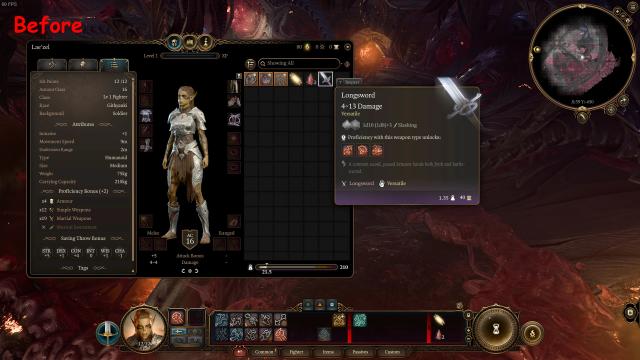
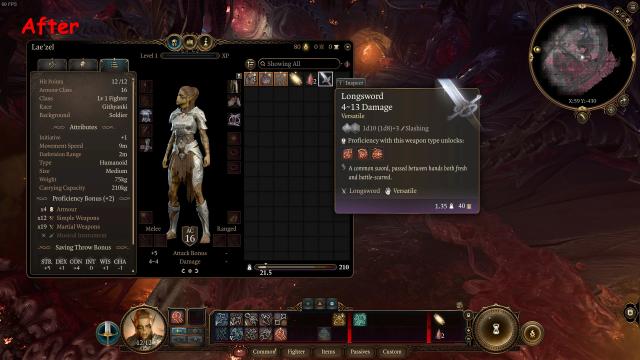
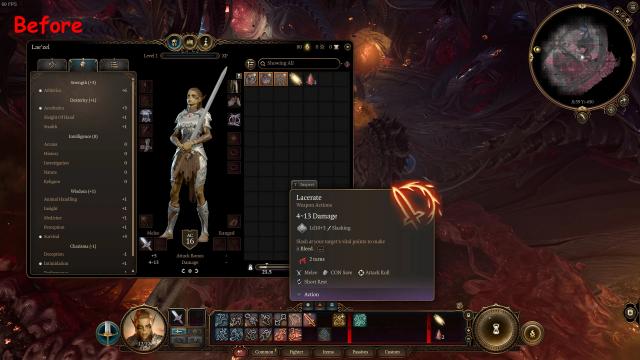
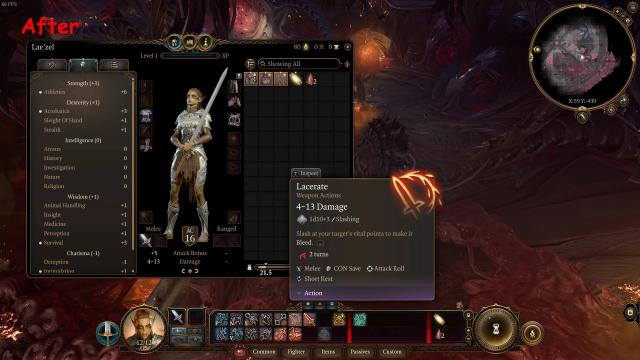

About This Mod
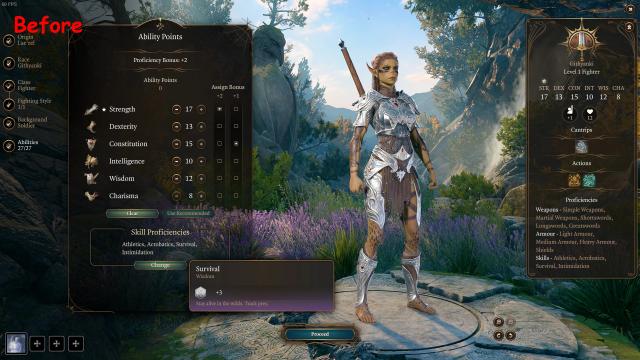
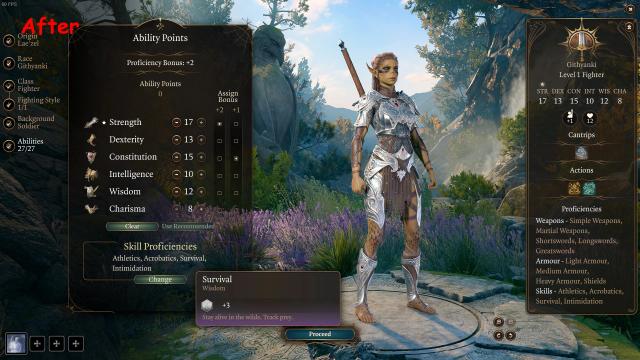
Very simple fashion. Increases the original font size by the target scale (from 5% to 75% in 5% increments). The gray color of the historical text on objects has also been changed to a brighter color.
I recommend trying 25% first.
I hope everything will work. And protect your eyes :)
Note
The game uses separate font settings for the controller and keyboard. The mod should work in both cases. But I don't have a controller, so I can't check how it works with a controller.
Free version
Simply copy the folder "Public" from the archive (from the folder "IncreasedFont\xx\", where xx is the font scale) to:
<STEAM_LOCATION>\steamapps\common\Baldurs Gate 3\Data\
Pack Version
An alternative pak version of the fashion in the archive contains similar options. Place one of the files (IncreasedFont-xx.pak, where xx is the font scale) in the directory:
<DISK>:\Users\<USER_NAME>\AppData\Local\Larian Studios\Baldur's Gate 3\Mods
Similar Mods/Addons

Kv Camp Events ITAallUser interface for Baldur's Gate 3Baldur's Gate 3
Italian patch for fashion Camp Event Notifications. 000
000
Plus achievementsallUser interface for Baldur's Gate 3Baldur's Gate 3
Alphabetical ordering of user achievements along with standard ones.000
Damage Preview 2allUser interface for Baldur's Gate 3Baldur's Gate 3
Improved cursor text bar - added numerical damage values, damage type icons and notification of spel...000
Mod Manager Fixes and ImprovementsallUser interface for Baldur's Gate 3Baldur's Gate 3
Fixed minor errors and inaccuracies in the Add-ons Manager menu. The updated version additionally im...000
Harlequin Class - Russian Translation CorrectionsallUser interface for Baldur's Gate 3Baldur's Gate 3
Various inaccuracies have been fixed and hints have been added.000
Improved top panelallUser interface for Baldur's Gate 3Baldur's Gate 3
The initiative tracking system has been improved - it has become more accurate and contains more inf...000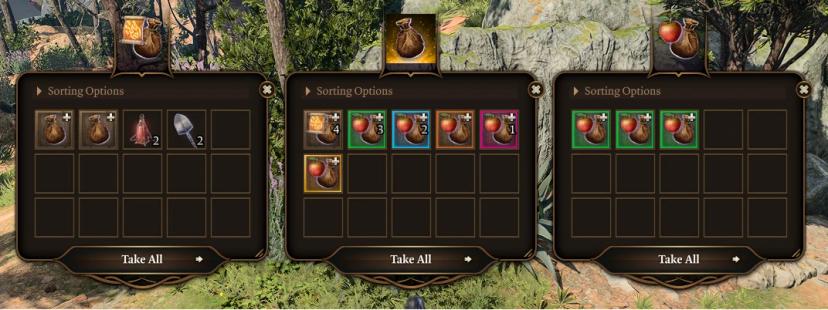
Sorting bagsallUser interface for Baldur's Gate 3Baldur's Gate 3
A command line and GUI tool for Baldur's Gate 3 that allows you to generate custom inventory bags, m...100
Quickly open a bookallUser interface for Baldur's Gate 3Baldur's Gate 3
Increases the speed of opening books from inventory, reducing the transition time.000
Plus User Interface - Faster SpinsallUser interface for Baldur's Gate 3Baldur's Gate 3
Accelerates active and idle scrolling processes without delays, and also speeds up the addition of w...000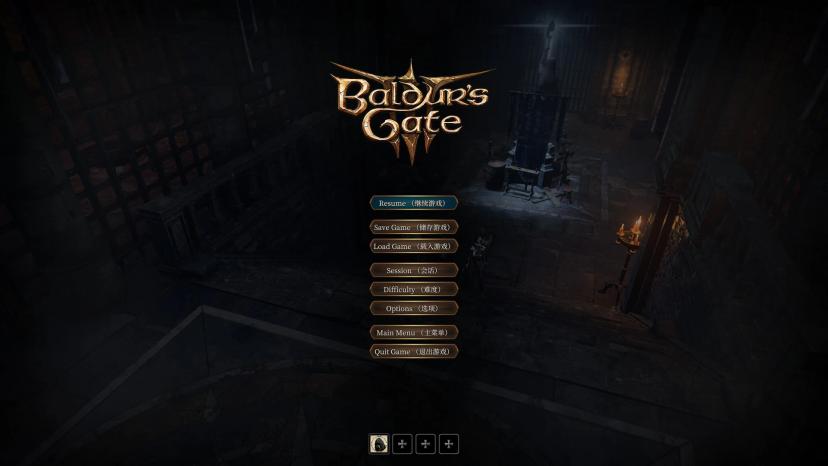
Bilingual subtitlesallUser interface for Baldur's Gate 3Baldur's Gate 3
Create bilingual subtitles (English-any_language)2000
Improved context menuallUser interface for Baldur's Gate 3Baldur's Gate 3
Adds icons for contextual actions and makes the widget more compact and fast.000
Kira's death tollallUser interface for Baldur's Gate 3Baldur's Gate 3
This **addon** tracks the **number** of a character's death using a status icon on a portrait and in...000
Dynamic sidebarallUser interface for Baldur's Gate 3Baldur's Gate 3
Dynamically scales group members' images in the sidebar so they fit on the screen without scrolling....000
Arcane Shots Consolidated ModallUser interface for Baldur's Gate 3Baldur's Gate 3
Connects all the magic shots into one button, freeing valuable space on the quick access panel witho...000
Missing icons in the original version of the gameallUser interface for Baldur's Gate 3Baldur's Gate 3
Change the Aunt Ethel Blessings, BOOOAL Blessings, Forbidden Knowledge, and Killer Knowledge icons.000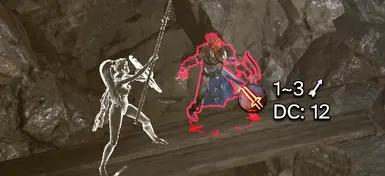
Hit Chance - Percentage of DCallUser interface for Baldur's Gate 3Baldur's Gate 3
Replaces the Hit Ratio displayed in tooltips with the DC (minimum required throw). Simple, inconspic...000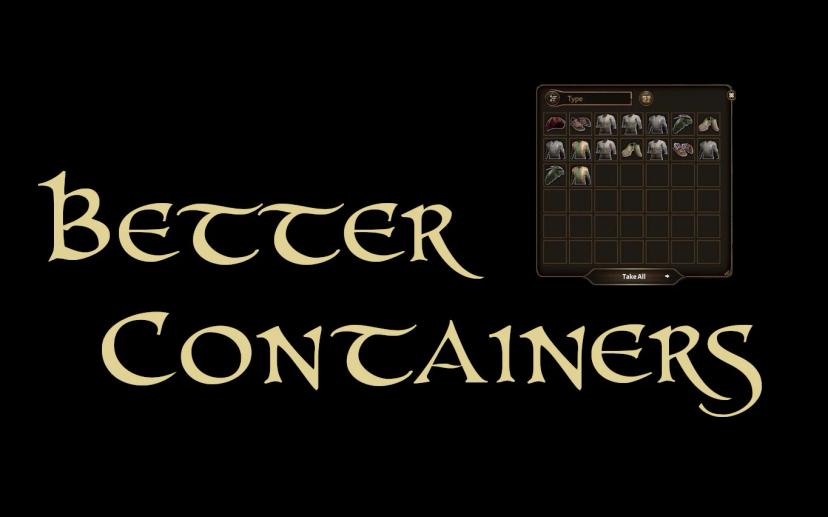
Best containersallUser interface for Baldur's Gate 3Baldur's Gate 3
This mod fixes some problems with vanilla container user interface.The grid is shallow. The default...000
Aether Immersive User InterfaceallUser interface for Baldur's Gate 3Baldur's Gate 3
This makes the different UI elements context-sensitive, so they are only shown when they are needed....000
Don't Press Any Keys MenuallUser interface for Baldur's Gate 3Baldur's Gate 3
There is no "Press any key to continue" button that leads to the main menu.000
Quick launch (skip launch - introductory video)allUser interface for Baldur's Gate 3Baldur's Gate 3
Skips video clips with the logo on startup, resulting in faster game launch.400
