- Home-
- The Witcher 3-
- Mods for The Witcher 3-
- Convenient Next Gen Rip-Off

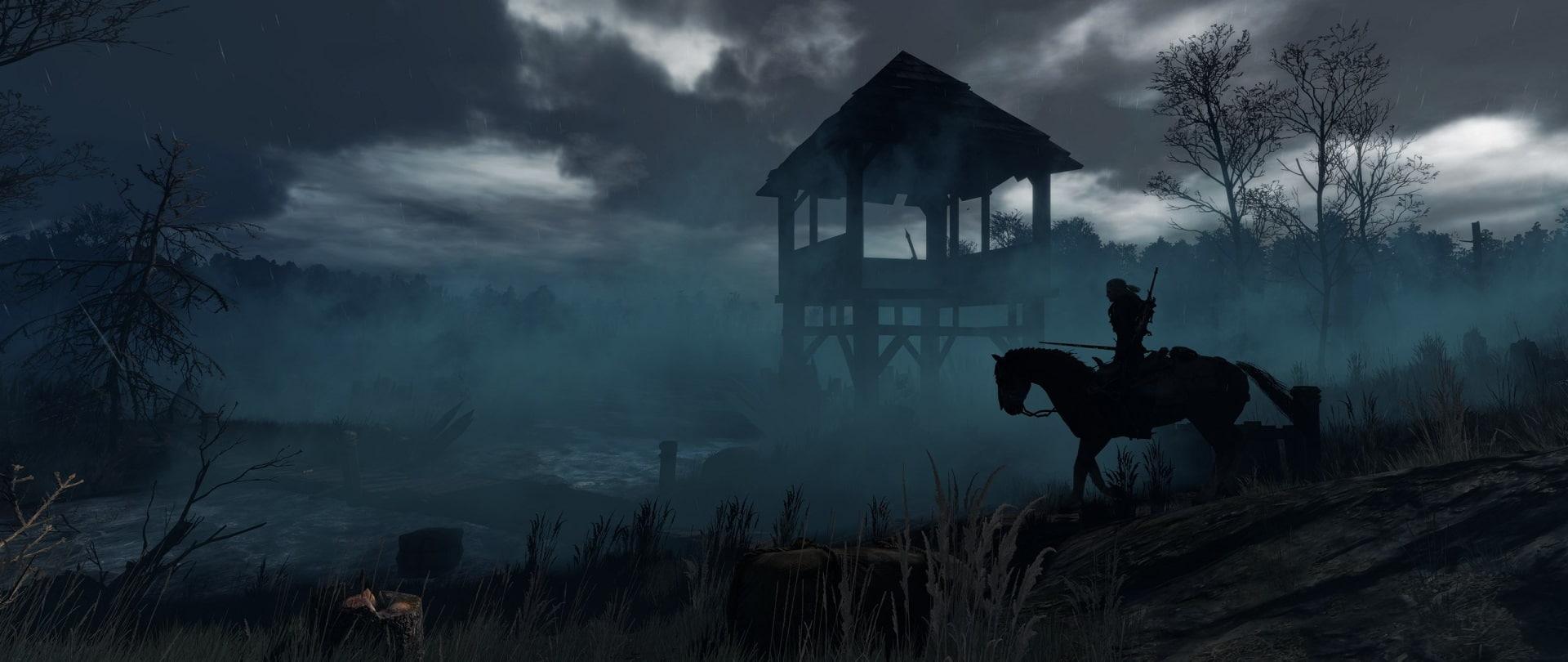
Convenient Next Gen Rip-Off

About This Mod
The mod was originally created for The Witcher 3: Wild Hunt Patch 1.31 in 2019 by Tinnaib, another mod that I considered for this game, so I decided to upgrade it to work with The Next Gen Patch 4.00. PLEASE, give credits, endorsements and kudos to Tinnaib , the Original Author of this cool mod. I know that the author worked hard to bring these mods into this game, that (s)he got a lot of requests to make things compatible/relevant and wanted to help a little bit.
I still want to recognize the person behind this idea and let him/her know. Obviously, I'll never argue whether he wants me to delete it at some point or make it even better, Thank you!
As Tinnaib said:
Modding should be a fun hobby. Creating a compatibility patch with a compatibility patch takes all the joy out of it. This is one of the reasons why my output has slowed significantly.
However, I understand perfectly well that other fashions may seem more important to you!
I don't want to be ignorant or wriggle in the clouds, so open permissions to anyone who wants to create compatibility patches!
And that's why I like to make mods/patches so that they work together to free authors from some work, I don't ask for updates often, I try to make them work first.
All credits, thanks and approvals - Tinnaib.
A stand-alone version of the W3EE integrated handy looting engine for use without this redesign.
Also includes my French translation of fashion!
Notable differences from the original Convenient Looting:
The area loot radius is now taken from the player's position, not the container's position.
The herb container and the player's remains will not be mixed. So once you've mined the grass, you'll only see the other nearby grass in the container, the same goes for the sacks with the remains of the actors.
Limited and more realistic plundering zone Z.
Bug fixed: container backgrounds did not scale for scrollbar.
Many customization options to meet everyone's needs.
Fully supports localized presets for Community Patch - menu bars for each submenu.
Tinnaib has created three different presets to choose from:
Default: As I suggest to use this mod, a very balanced middle of the IMO.
Original: Close to the original Convenient Looting, so all types of containers mix normally. For those who prefer the old system.
Vanilla: Selecting this option will essentially deactivate the mode, as the scanning results will be reduced to 0 and only the current container will be opened.
Fashion menu options explained:
Enable Stealing: Displays even "stolen" items from other containers that trigger a security reaction. (Still displays "stolen" items from the current open container, which allows you to ignore this setting when manually accessing containers.)
Enable Guardian Reaction: If you steal items, guards react to it.
Scan Range (Herbs): Uses this range to scan for herbs.
Scan Range (Remains): Uses this range to scan the remains of actors.
Scan Range (Container): Uses this range to scan containers. (If 'Mix Different Container Types' = On, the herbs and remains of the actors are also considered containers.)
Vertical Scan Range: Uses this range to scan vertically.
Maximum Scan Result: The number of containers that are scanned each time you open a pop-up window with a loot.
Mix different types of containers: As in the original fashion. In fact, this is an old option. Not a very exciting IMO.
Installation:
1) Unpack and drag everything to the main Witcher 3 software directory. If you take the mods and bin folders and unzip them to the main game directory, everything will automatically fall into place. Otherwise, just take 'modConvenientLootingNextGen' and put it in the 'mods' folder.
2) Then either copy ''bin'' to the main directory, or go through more steps on purpose, take modConvenientLootingNextGen.xml, which is inside ''bin\config\r4game\user_config_matrix\pc' from the mod you installed, and put it in ''The Witcher 3 Wild Hunt GOTY\bin\config\r4game\user_config_matrix\pc'''.
3) Copy modConvenientLootingNextGen.xml; and paste the highlighted part into dx11filelist.txt AND dx12filelist.txt, then save.
4) Use Script Merger and merge all conflicting scripts together
Similar Mods/Addons
New mutagens.allMods for The Witcher 3The Witcher 3
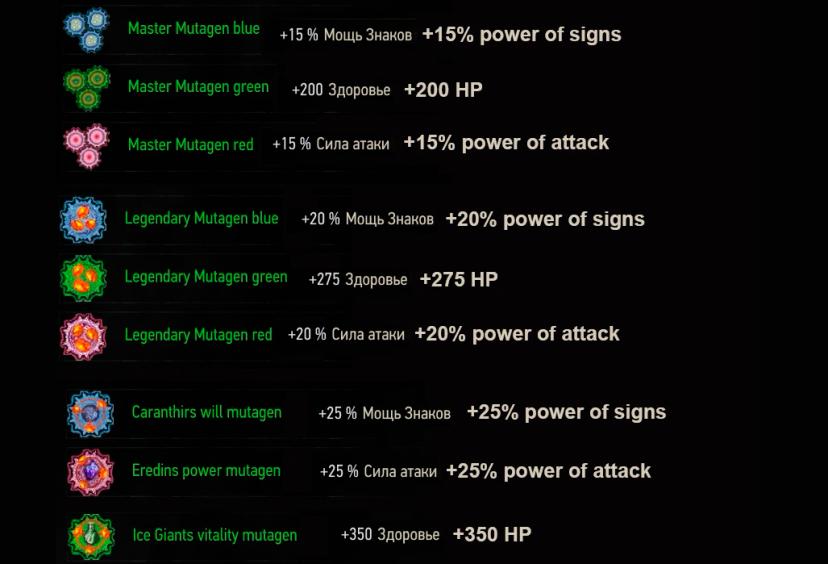
This mod adds 9 new mutagens: 3 workshops, 3 legendary and 3 unique.Each mutagen has its own recipe.... 2400
2400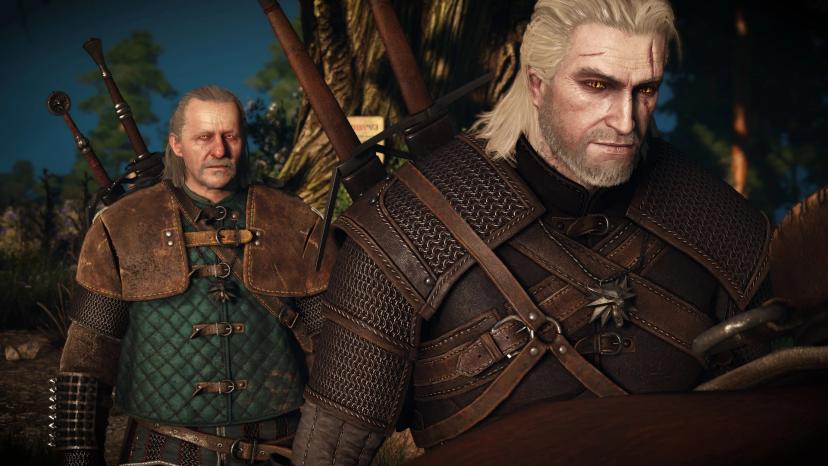
Experienced WitcherallMods for The Witcher 3The Witcher 3
This mod changes the appearance of Geralt and the armor of Viper.It's not just a retexture, it also...1000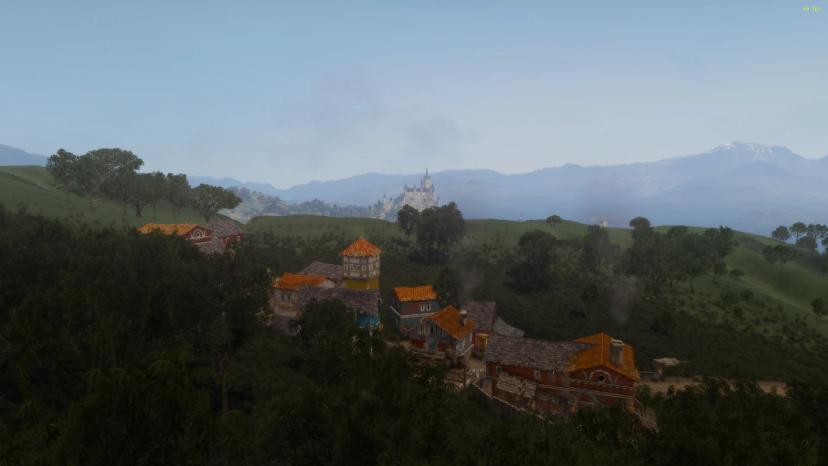
New quest W3 - Mountain Madness TEallMods for The Witcher 3The Witcher 3
While in the duchy, Geralt heard rumors of one of the duchy's most remote villages, located on its s...700
Toussaint without filterallMods for The Witcher 3The Witcher 3
This mod aims to remove the olive filter in Toussaint to a more neutral and natural tone, while reta...1500
Weather0Mods for The Witcher 3The Witcher 3
This changes the effects of rain and snow. I didn't like the vanill...200
Individual complexes El.0Mods for The Witcher 3The Witcher 3
An alternative species for Ena, Tris, and Siri.100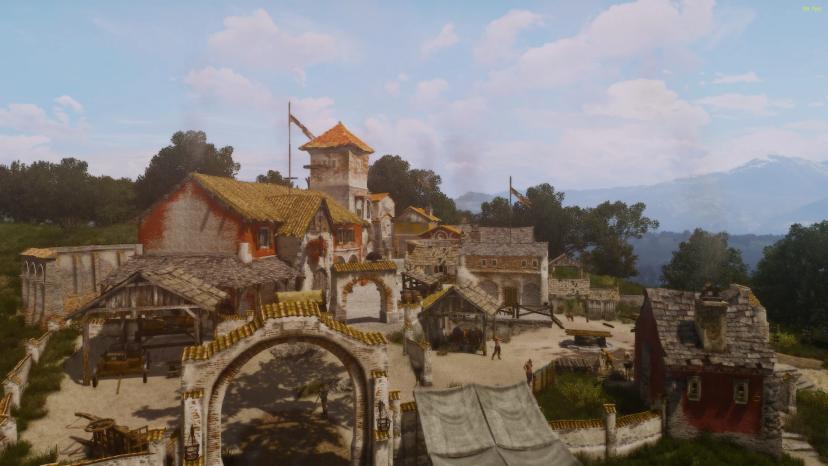
New quest W3 - TE "Vacation under threat"allMods for The Witcher 3The Witcher 3
Geralt learned of the existence of a farm in which he had never been, located directly on the northe...800
New generation candles.0Mods for The Witcher 3The Witcher 3
It's a mesh mod that changes all the candles and many candlesticks in the game. The number of range...100
BESTIARY 3D MODELS2.0Mods for The Witcher 3The Witcher 3
Adds 3D models of various creatures to the bestiary.1900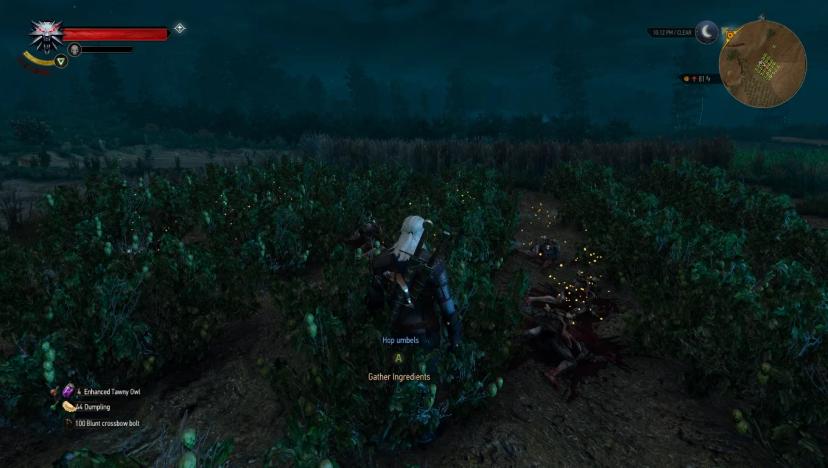
Loot bags glow without the Witcher's feelingsallMods for The Witcher 3The Witcher 3
While this mod still runs on the next-gen version of the game, there is also a better version:errorn...900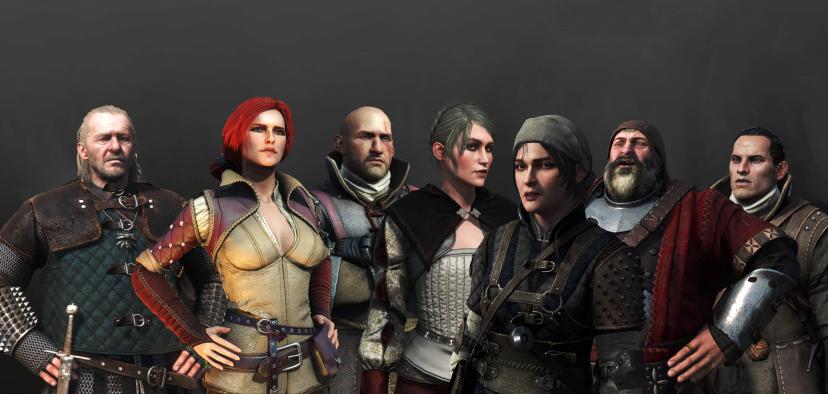
NPC overhaul (characters redone)allMods for The Witcher 3The Witcher 3
Description: Improves many basic and background NPCs, adds new armor and facial details, and some ad...900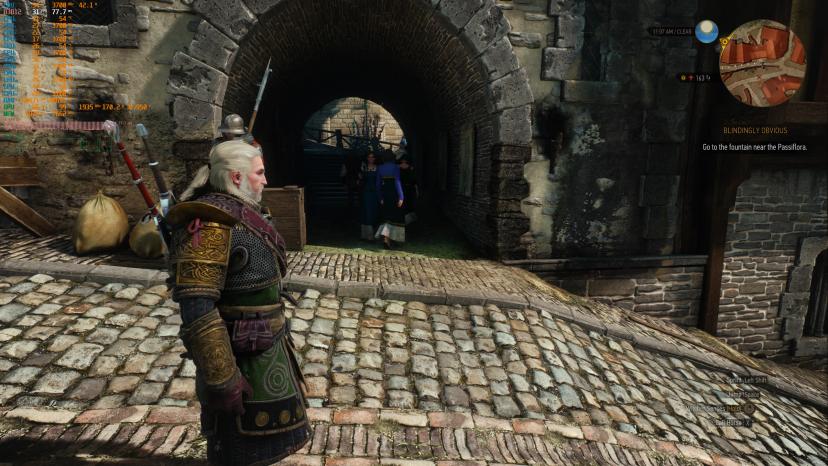
Optimized ray tracingallMods for The Witcher 3The Witcher 3
Streamlined ray tracing to reduce RTGI performance costs. HOW TO SET: Copy and paste OptimizedRT.ini...700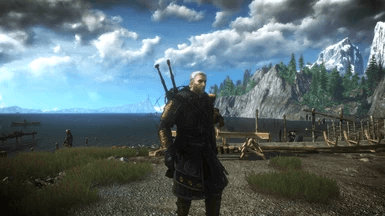
Retextures for AMM0Mods for The Witcher 3The Witcher 3
Initially, it was simply a modification of the color/texture of the Novigrad hood under Skellig's cl...000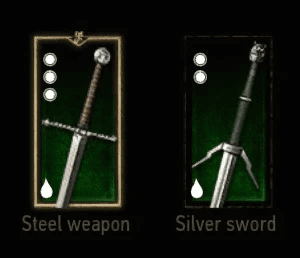
Oils Never Expire0Mods for The Witcher 3The Witcher 3
The oils no longer reduce the charges so that, in fact, all the oils can be used constantly. I've al...900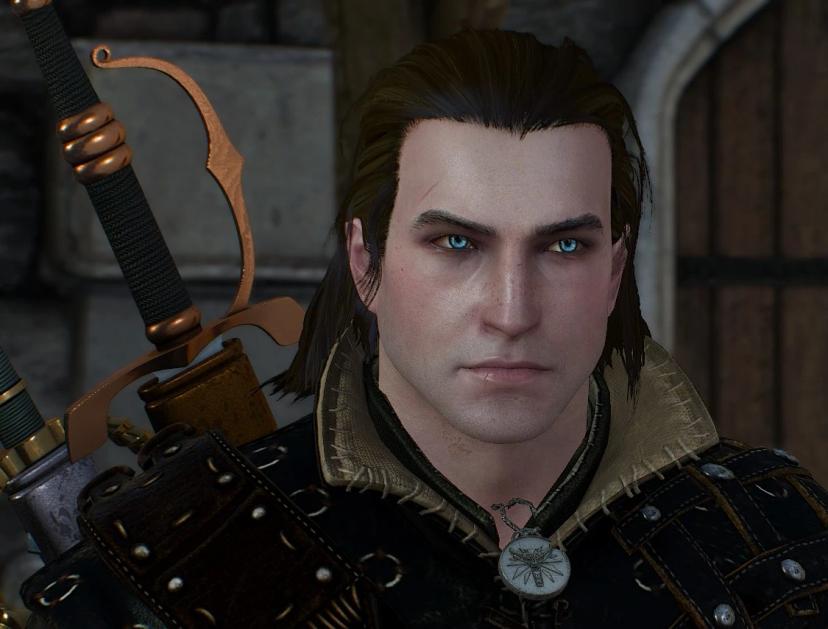
Eyes for GeraltallMods for The Witcher 3The Witcher 3
I couldn't find a realistic fashion for blue eyes, so just created it and decided to share, hopefull...000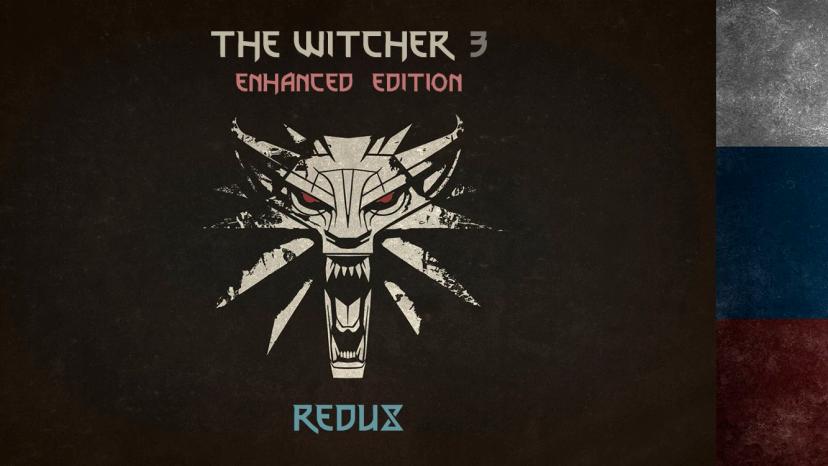
Russian translation for W3EE ReduxallMods for The Witcher 3The Witcher 3
W3EE Redux fixes some of the flaws of the original The Witcher 3 Enhanced Edition (adds chests of eq...1100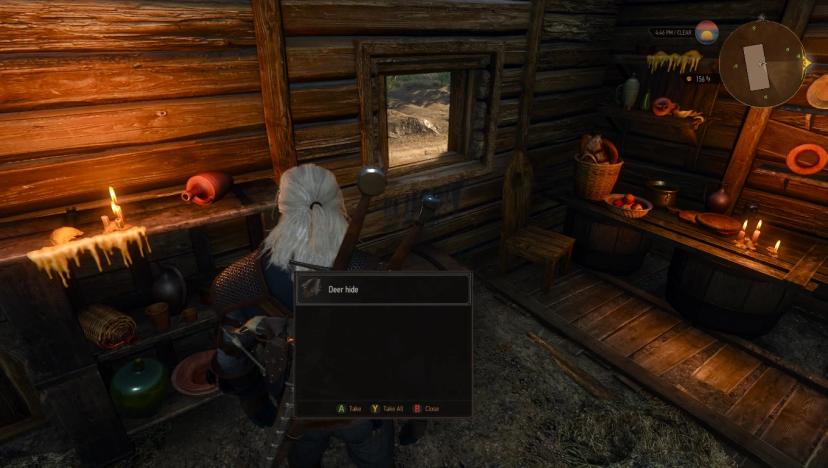
Faded trashallMods for The Witcher 3The Witcher 3
Obsolete. The functionality is included in the "Stores do not pay for junk" section.Developed within...000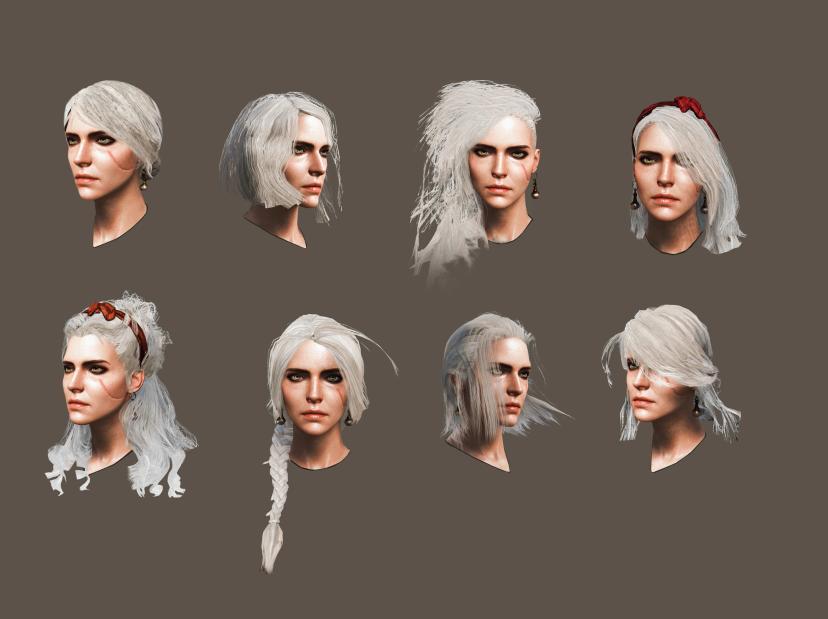
Hair for CiriallMods for The Witcher 3The Witcher 3
1 - Short braid at the back2- Short curls3- Long on one side4- Short on one side (2 variants, with a...1600
Card dealer from Gwent0Mods for The Witcher 3The Witcher 3
This mod "adds" a new card dealer Gwint. It will sell 99% of all Gwint cards. This is for those who...1200
Realistic weather0Mods for The Witcher 3The Witcher 3
This mod changes the appearance of bad weather and adds additional weather conditions to all regions...3300