- Home-
- BeamNG-
- Other equipment-
- BR Class 220/221 Voyager mod

BR Class 220/221 Voyager mod


About This Mod
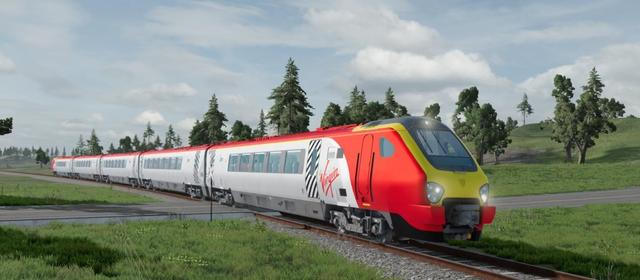
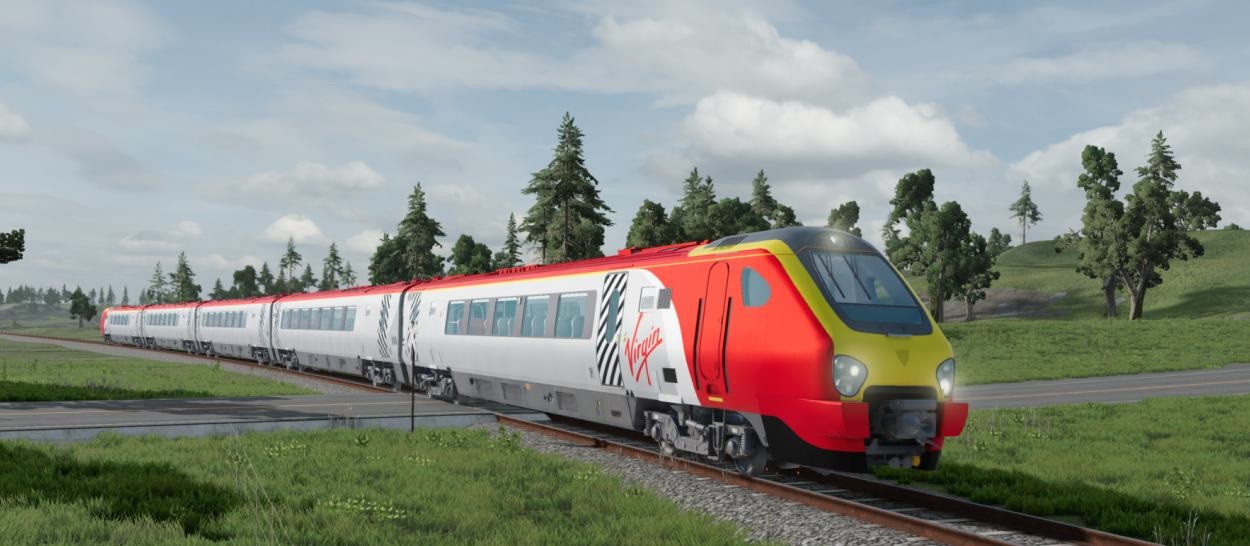
British diesel Zarg British Rail Class 220/221 Voyager Beam Drive.
The mod includes trains and cars. To install, simply move the downloaded files to the MODS folder.
Fashion Functions:
-28 Composition (7 cars), 7 colors. - The front engine configurations marked are the main trains to be installed at the beginning of the configuration. - Rear engine marked on the configuration - rear train for installation at the end of the composition (different type of connection). - Main lighting animation, light switches and off. - Regulated smoke effect. - Impellers. - Ability to go to the car in the mode of hiking thanks to a collision in the car. "The train remains on the tracks. - A five-car train speeds up to 125 mph (200 km/h). - There are 1st and 2nd classes. - The light inside the cabin does not illuminate the rails below.
Carriage BR Class 220/221 Management:
Headlights turn on as normal N-vehicle (bright - front lights, high ties)
-H: hud. -T: acceleration (also press W.W). -G: speed decrease (clicks). -alt + A: change in direction of motion. - Y: Cabin light. -U: salon. Career management:
- y: the cabin contains light. -C: switch the camera to one face.
Configuration Configuration:
1. Use the front engine to select the BR Class 220/221 and install at the beginning of the composition. 2 Distribute the car and place it on the rails with the editor (F11). 3. Duplicate the vehicle when the clip is moved and move the vehicle in the correct direction 4. Install and turn Class BR 220/221 using the rear engine at the end of the composition. 5. Switch to the main train and press L (you can pull the machine using the Grabber node).
6. Make sure your cars don’t enter the rails and pick them up. 7 Switch to the first connected car, click Shift+L, and if the car doesn’t flip into the head car, you can move it with the grave (CTRL) behind the camera. 8. If the rear train does not fit, press the last car layer + L to ride
important:
If the train does not work:
- Increase via rails with editor (F11). · Push the "Break" part (J) to release the brake (down arrow and P/GAP). -Return to the M1 program. Known Issues:
"The door cannot be opened yet. · All vehicles must have the interior light on by hand. - Bad conflict targeting passengers on large trains.
Similar Mods/Addons
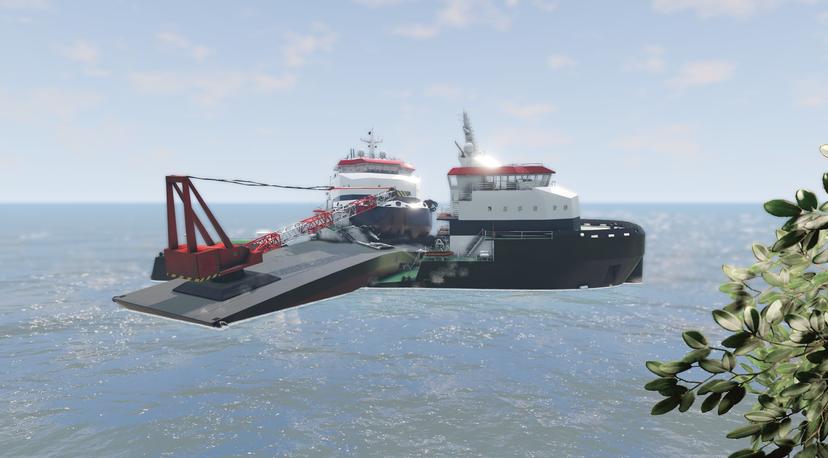
FP Multi-Purpose-Vessel modallOther equipmentBeamNG
The big ship Multi Purpose Vessel:- Four configurations are available.- The delivery includes a trai... 8700
8700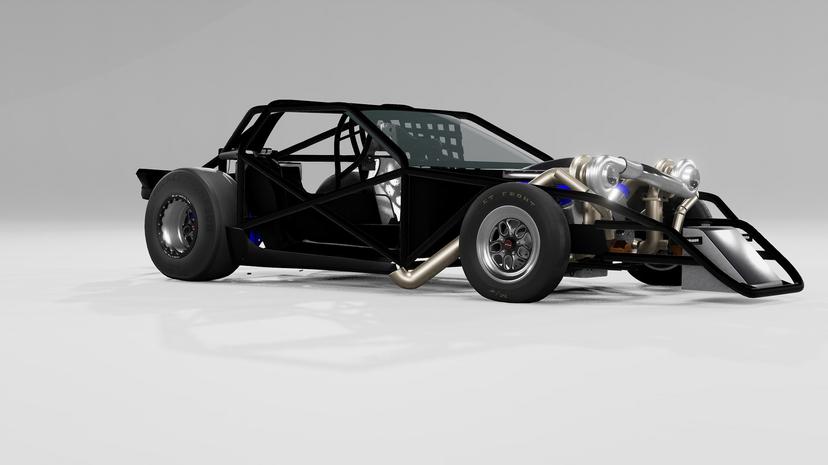
Buggy Death Drag Kart v1.1 (0.33.x)0.33Other equipmentBeamNG
Do you need a very fast car? Then BeamNG Death Drag Kart for you!1. more than 6000 h.p.2. fun and fa...5400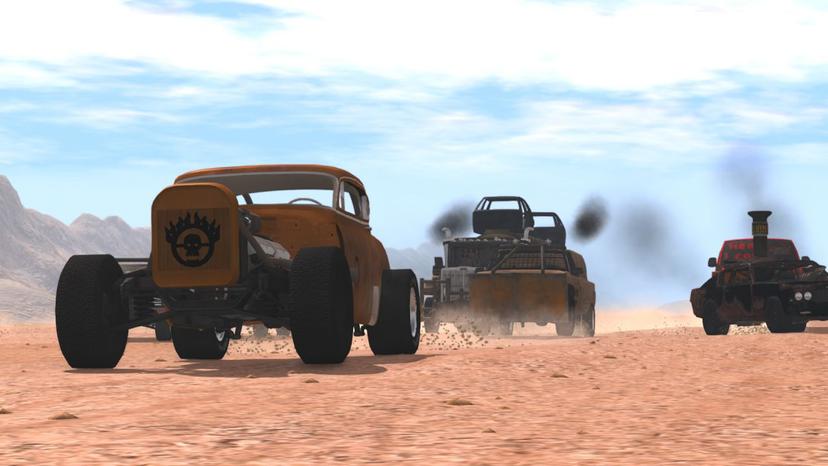
Javielucho Mad ModallOther equipmentBeamNG
Welcome to Mad Mod! This mod contains new custom details, skins and fun settings. The aesthetics ar...1200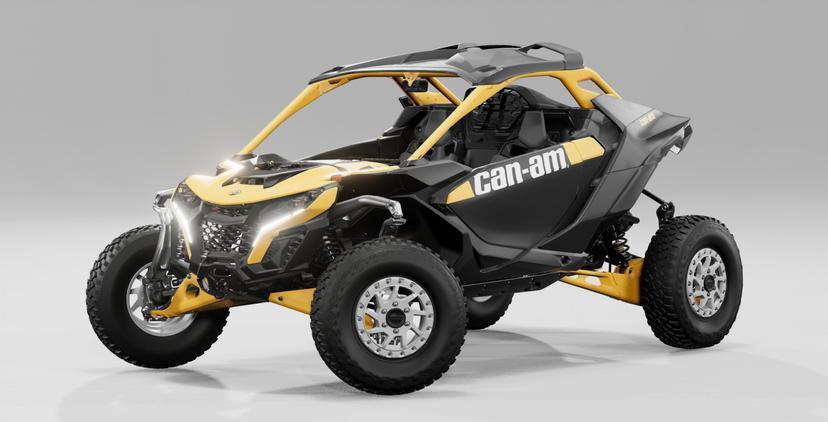
BUGGY 2024 CANAM MAVERICK R (0.30.X)0.30Other equipmentBeamNG
- Details include.240 hp 999 cc Rotax engine7-Speed Dual GearboxFine-tuned suspensionFrame optionsSp...25900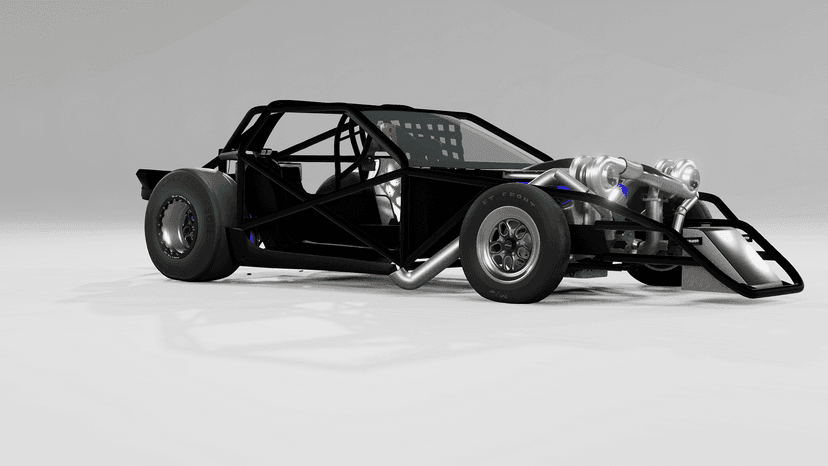
CAR DEATH DRAG KART V1.50.29Other equipmentBeamNG
Do you need a very fast car? Then Des Dragkart for you! 1. more tha...2300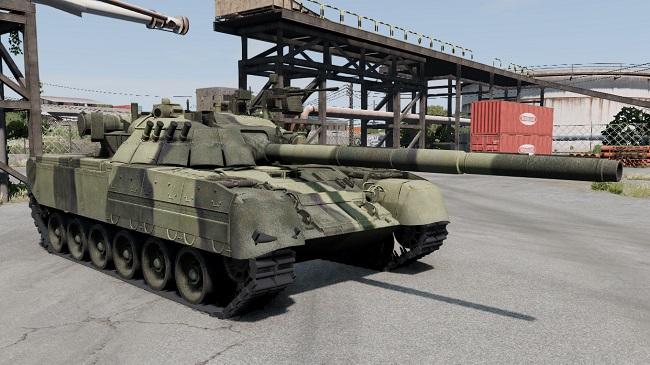
Tank T-80U0.32Other equipmentBeamNG
I fixed the tower, now it rotates (F, H), but cannot go up / down. A 4-speed transmission was added,...8000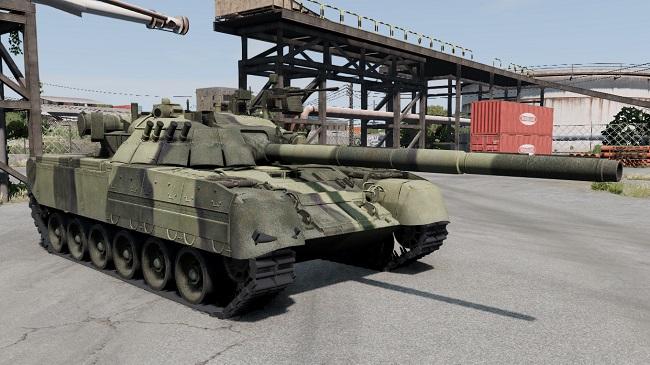
Tank T-80U0.29Other equipmentBeamNG
✅ 14 configurations. ✅ Lines are animated, rotate and collide. Turtl...3600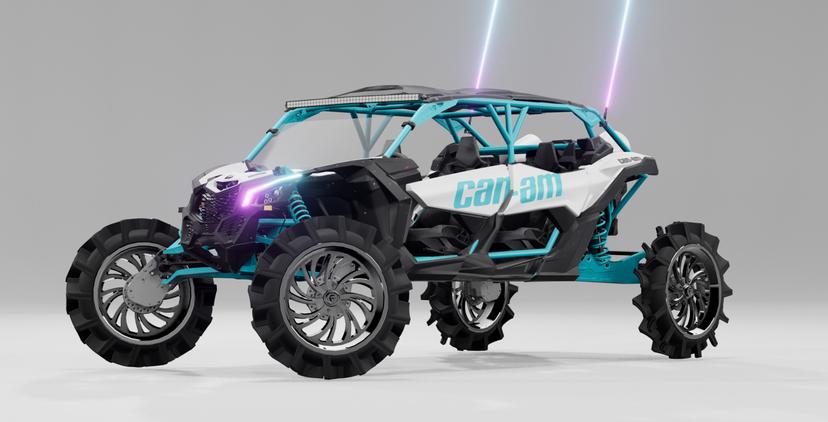
BUGGY CAN-AM MAVERICK V1.00.30Other equipmentBeamNG
1. has seven configurations 2. cool appearance 3. good sound...56900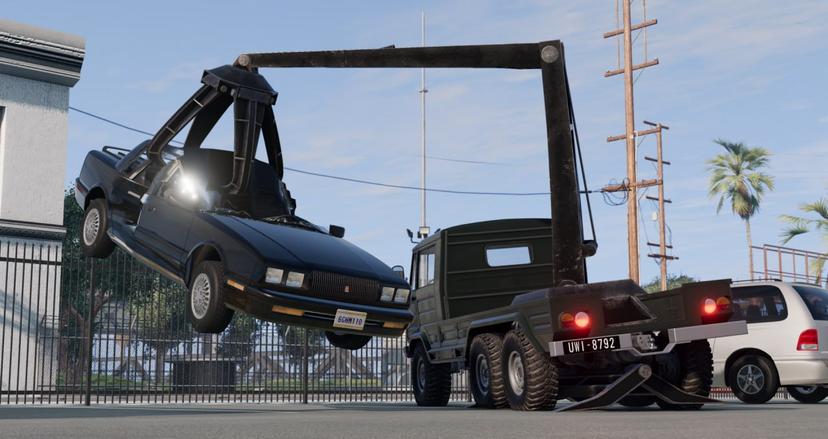
Stambecco Claw Crane v1.0 (0.34.x)0.34Other equipmentBeamNG
Stambecco Claw Crane - designed for the 2024 Holiday modding competition. This clawed crane is mount...15800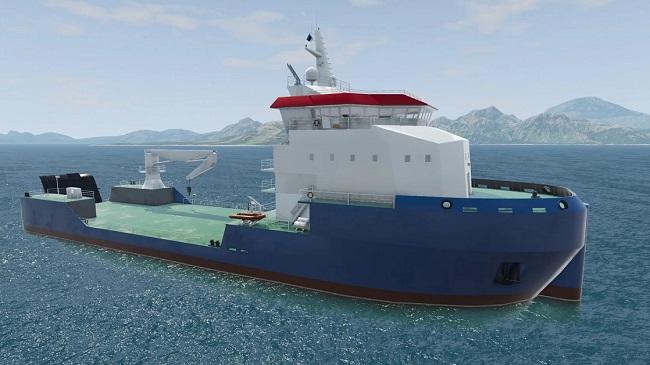
Vessel MPV80 Vessel0.29Other equipmentBeamNG
Conversion characteristics. The MPV80 is a multi-role BeamNG vessel....22200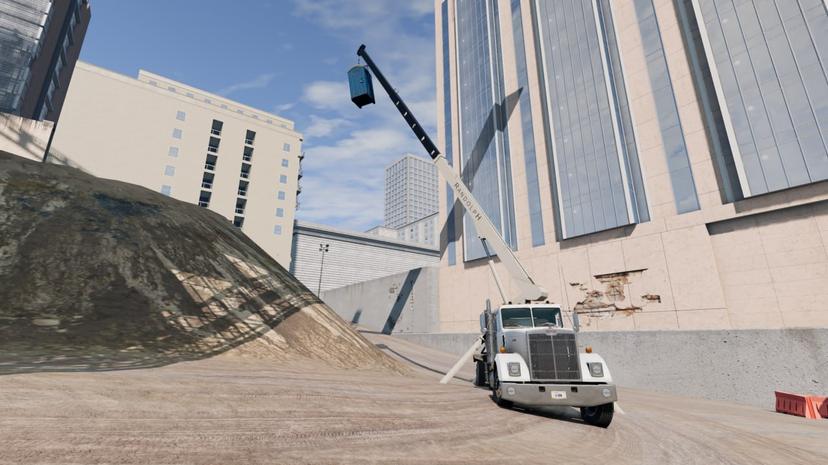
Crane RandolpH Cranes v1.0 (0.34.x)0.34Other equipmentBeamNG
It is a three-section boom crane for the Gavril T series manufactured by the "hidden" brand RandolpH...6700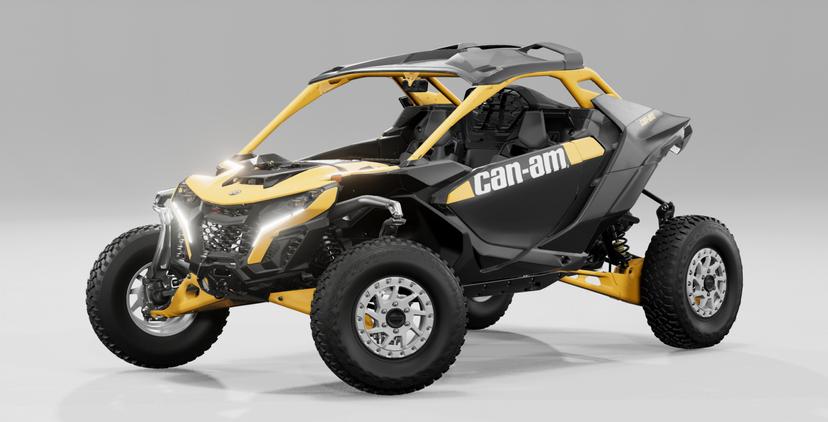
Buggy CanAm 2024 Maverick R v1.0 (0.35.x)0.35Other equipmentBeamNG
- Seven execution options;- Excellent appearance and interior;- Own disks;- Lots of custom details.A...6900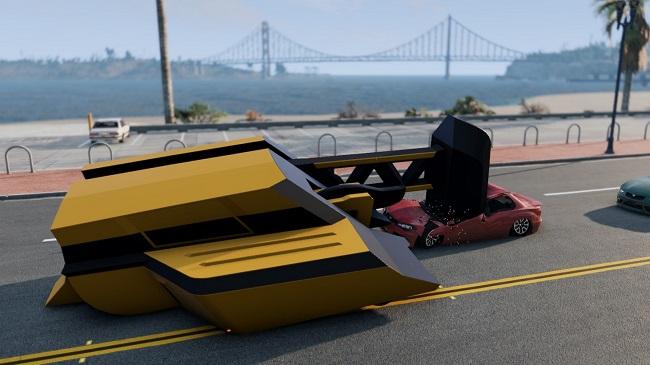
Robot B.E. DESTROYER EXTREME v1.0 (0.34.x)0.34Other equipmentBeamNG
A huge 9-ton bulldozer-type combat robot, equipped with a giant hammer and a front rotator. - MASSIV...2600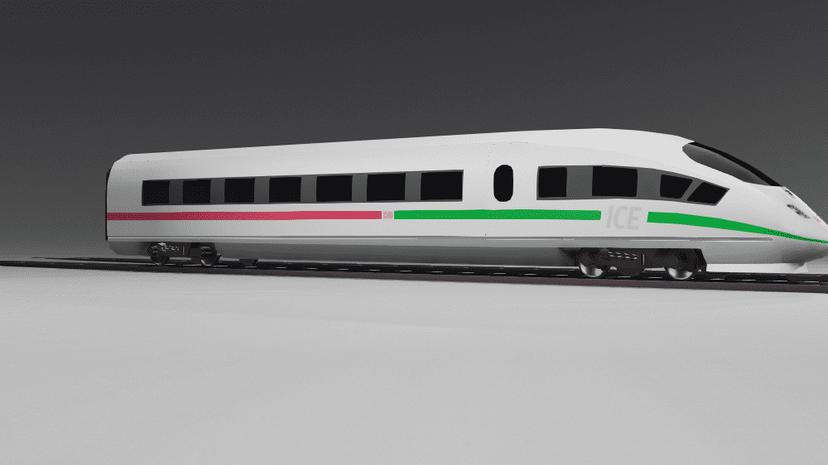
Train ICE 3 DB0.29Other equipmentBeamNG
Fixed train download link, sorry lol To download the train, remove 2 files from the...4900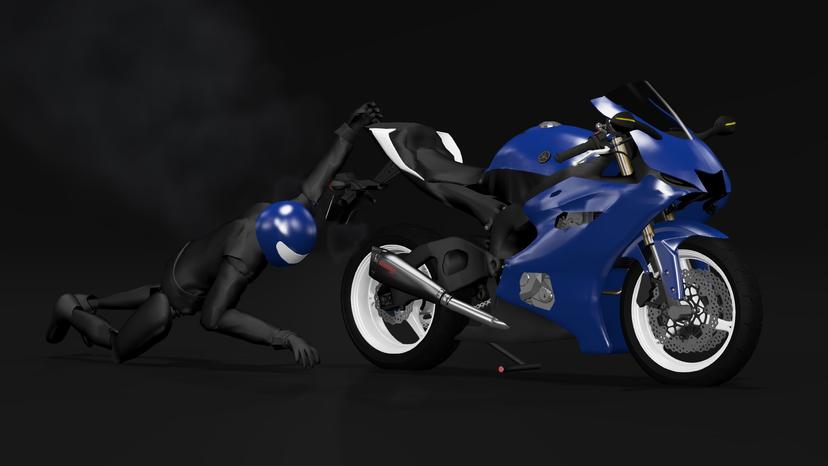
YAMAHA YZF 1.0 MOTORCYCLE0.30Other equipmentBeamNG
For use on motorways only.There are many options.Can reach speeds up to 200 km/h (sometimes swirls)....7000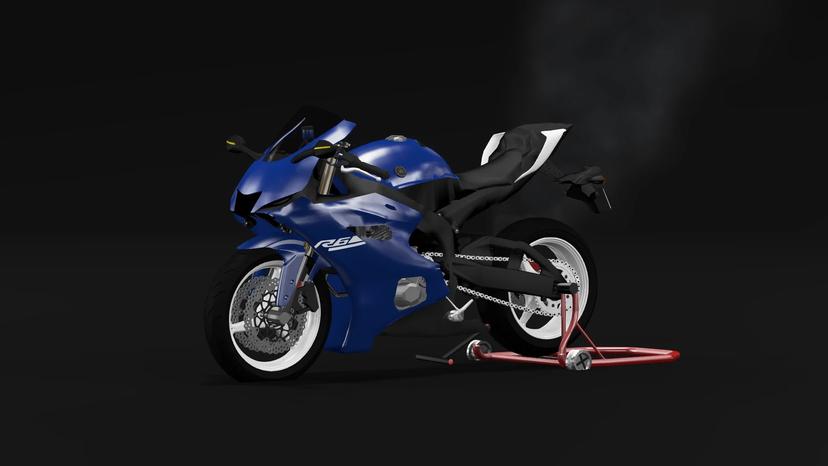
YAMAHA YZF0.30Other equipmentBeamNG
This mod wasn't made by me, it's a reboot, I know there's the same mod on this site, but from what I...5900
Yamaha YFZ-R6 Street Bike v1.00.33Other equipmentBeamNG
Yamaha YFZ-R6 Street Bike for BeamNG.drive. It's a mod that adds to your game a sports motorcycle wi...15800
BUGGY MONSTER MANX BUGGY V1.00.30Other equipmentBeamNG
Buggy Monster Manx for driving on the dunes. - 5 configurations;...4000
FP T-Series Pack modallOther equipmentBeamNG
Upgrade the T-Series Crane. Experts: - many compositions - All very high quality Cons: - Fashio...3900